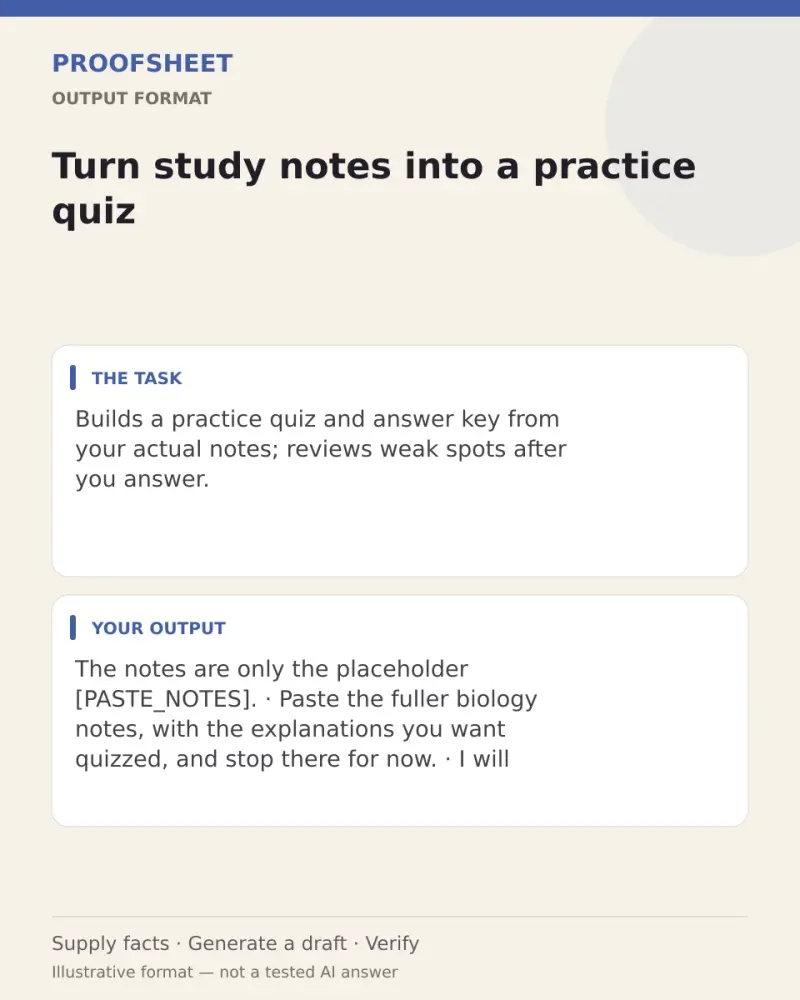
Turn study notes into a practice quiz
Builds a practice quiz and answer key from your actual notes; reviews weak spots after you answer. Paste this prompt into ChatGPT, Gemini, Grok or Claude, change the parts in brackets to suit you, and generate.
- Written for
- ChatGPT, Gemini, Grok, Claude
- Status
- Tested 9 Oct 2026 in Grok, 9 Oct 2026 (one run; model id not exposed)
- Test settings
- The page's exact default prompt was run once in Grok on 9 Oct 2026. The default details already written on the page were the input. They are illustrative, not a record of a real event. ChatGPT and Gemini were not used. The first result was kept.
- Variability
- A different set of details, or another run, will change the wording. This is the first result for the defaults on this page.
Prompt
Act as a patient biology tutor for a high school learner. Use only the notes I paste below.

If the notes are missing, contain only topic names, or lack enough detail to support questions and answers, ask me for fuller notes and stop. Do not fill gaps from memory.

Create up to 10 questions from the supported material. Aim for 4 multiple choice, 4 short answer, and 2 explain-in-your-own-words questions. If the notes support fewer, make fewer and say why. For multiple choice, derive the alternatives from distinctions in the notes; use short answer instead if you cannot make fair alternatives without adding facts.

Show the quiz first. Then provide a clearly separated answer key. For each answer, give a brief explanation and point to the supporting phrase or section in my notes. Flag uncertain or contradictory notes instead of treating them as verified facts.

Do not guess my weak spots before I answer. Ask me to send my numbered answers. After I reply, check them against the notes, explain corrections, and suggest up to three topics to revise with a practical next step.

My notes:
[PASTE_NOTES]
Customise
For example: biology.
For example: high school.
Paste the list, names, dates or other facts this prompt should use.
Fields start with illustrative values; replace them with your own facts. The prompt updates as you type. Copy prompt copies your version.
Example output
Actual tested output. The notes used for this result are an example, not a real event. This box is not copied. Replace the notes above with your own before you paste the prompt.
The notes are only the placeholder [PASTE_NOTES]. Paste the fuller biology notes, with the explanations you want quizzed, and stop there for now. I will not write questions from topic names or from memory.
How to use it
- Open ChatGPT, Gemini, Grok or Claude.
- Paste the prompt and replace the [BRACKETS] with your details.
- Review names, facts and the requested format; follow up with corrections or missing details.
How to use this prompt
- Fill Customise with your real details. Do not let the tool guess a missing fact. Write the missing information clearly if you need to.
- Press Copy prompt and paste it into the AI app named above. This page copies the prompt. The answer is created in the external app.
- Check names, facts, numbers, language and the format you asked for. If something is wrong or incomplete, ask for a correction.
Good to know
- Paste detailed notes to get useful questions. The quiz and answer key depend on your notes and can repeat errors in them; check important facts against your course material. Run once in Grok on 9 Oct 2026 using the illustrative defaults on this page. Check the draft against your own facts before you use it.
- Check facts before you rely on the answer.