New Year goals desk with planner and chai
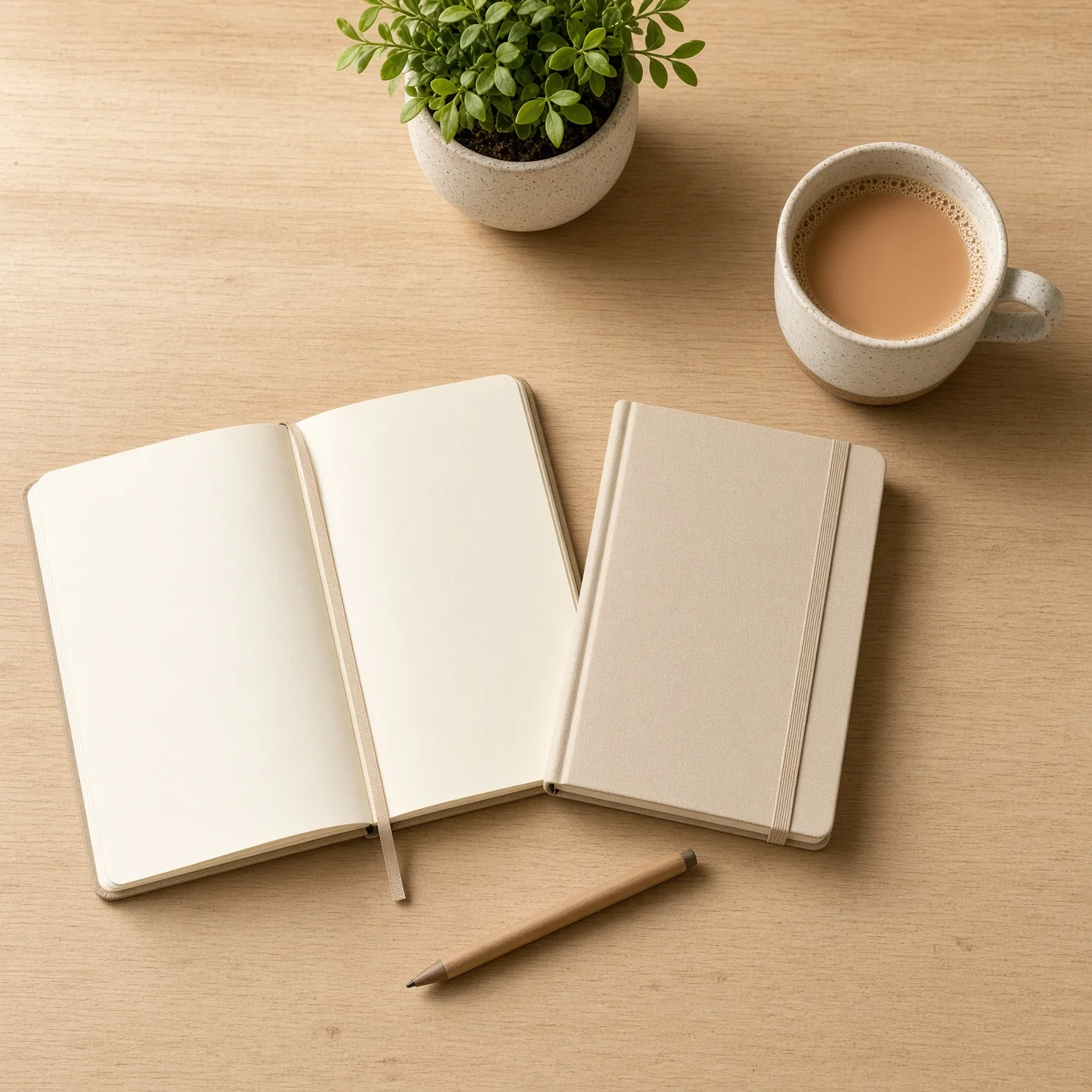
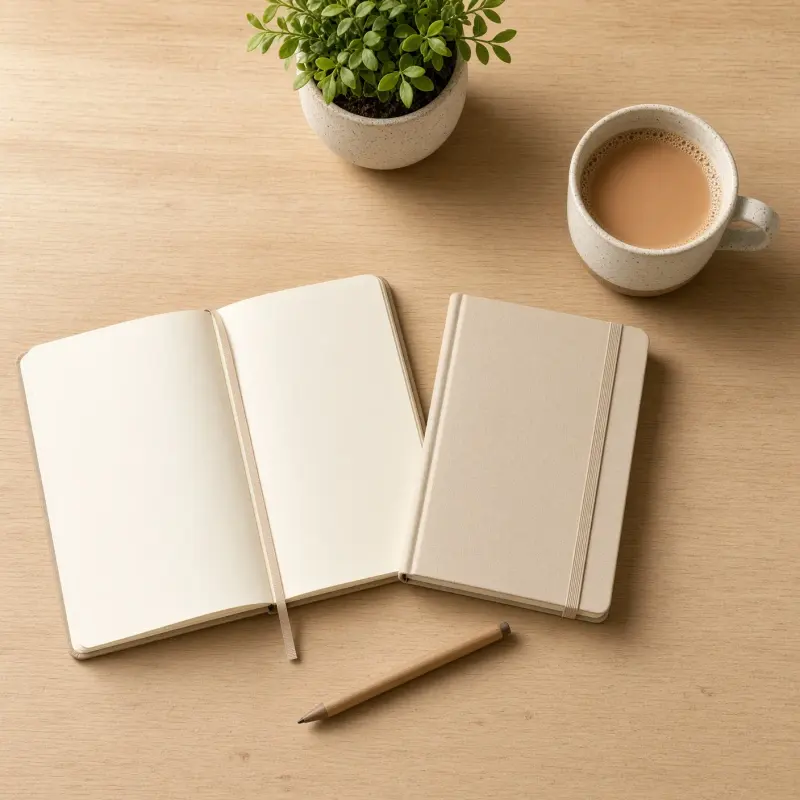
A calm fresh-start desk image with a blank planner, new diary and chai, no writing. Paste this prompt into ChatGPT, Gemini or Grok, change the parts in brackets to suit you, and generate.
- Written for
- ChatGPT, Gemini, Grok
- Occasion
- New Year · 1 Jan 2027
- Status
- Tested 8 Nov 2026 in Grok Imagine
- Test settings
- No reference image. Default copy text unchanged. Aspect ratio square 1:1. First result used; only converted to WebP at 1408×1408, not upscaled.
- Variability
- Layout, colours and small details vary between runs.
Prompt
Scene: a minimal wooden desk in an imagined Indian home on a calm January morning: a completely blank planner, a new diary, a ceramic cup of chai, a plain pen and a small green plant; every page and cover blank.
Moment or Pose: an overhead still life suggesting a fresh start; no people or hands.
Light: soft morning daylight from the side, natural shadows.
Camera: top-down flat lay, clean arrangement, sharp detail.
Style: photorealistic, calm warm minimalist beige look.
Format: square 1:1.
Avoid: people, hands, handwriting, text, dates, numbers, calendar grids, logos, watermarks, branded stationery.
Customise
For example: a small green plant.
For example: warm minimalist beige.
Fields start with illustrative values; replace them with your own facts. The prompt updates as you type. Copy prompt copies your version.
How to use it
- Open an external image tool named above. Check Status for the provider actually tested.
- Paste the prompt. Replace anything in [BRACKETS] first, or use Customise.
- Send, then ask for small changes in follow-up messages.
How to use this prompt
- This prompt makes a new picture. Check the AI app named above and the real test recorded in Status.
- Fill Customise with what you want, or replace [BRACKETS] with the right details. Press Copy prompt and paste it into the image app you chose.
- When the picture is ready, check objects, hands, faces, writing and any detail that matters. Ask for one clear correction if something is missing.
Good to know
- The model may still add scribbles or marks on the blank pages; regenerate until they are clean.