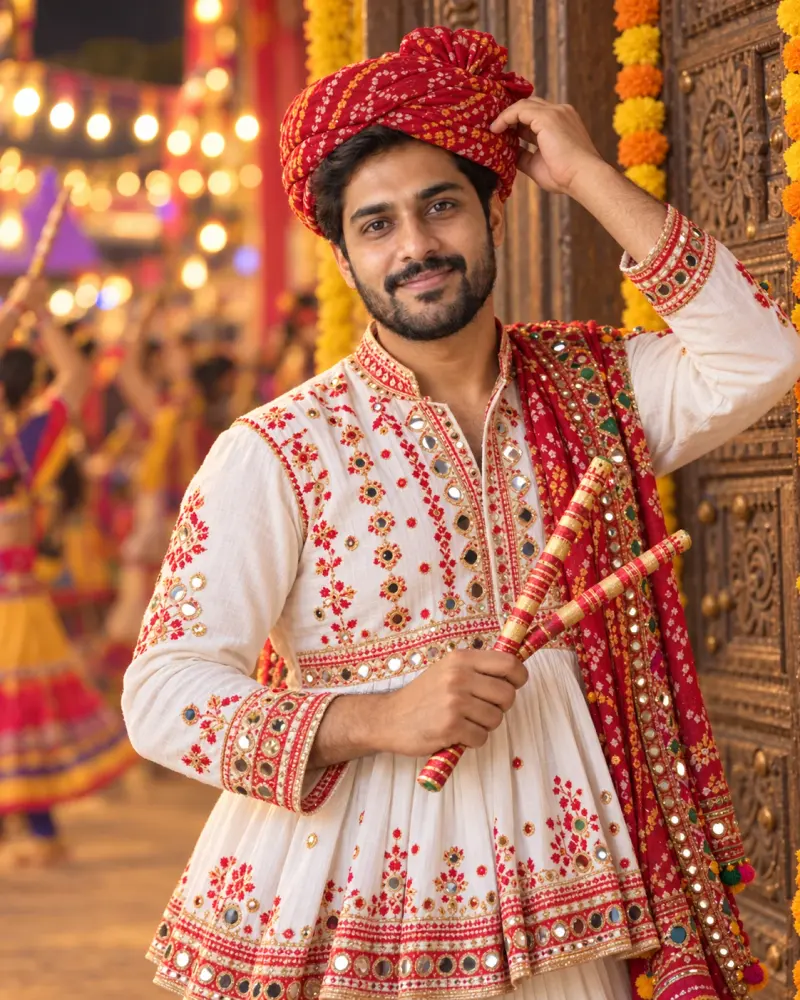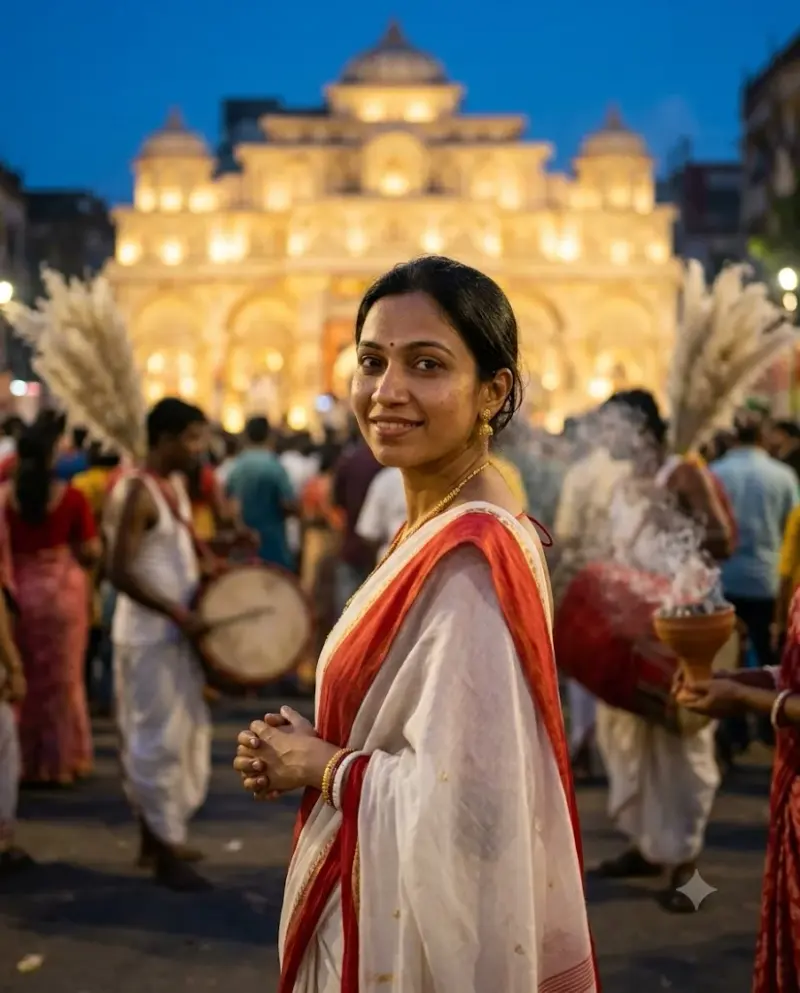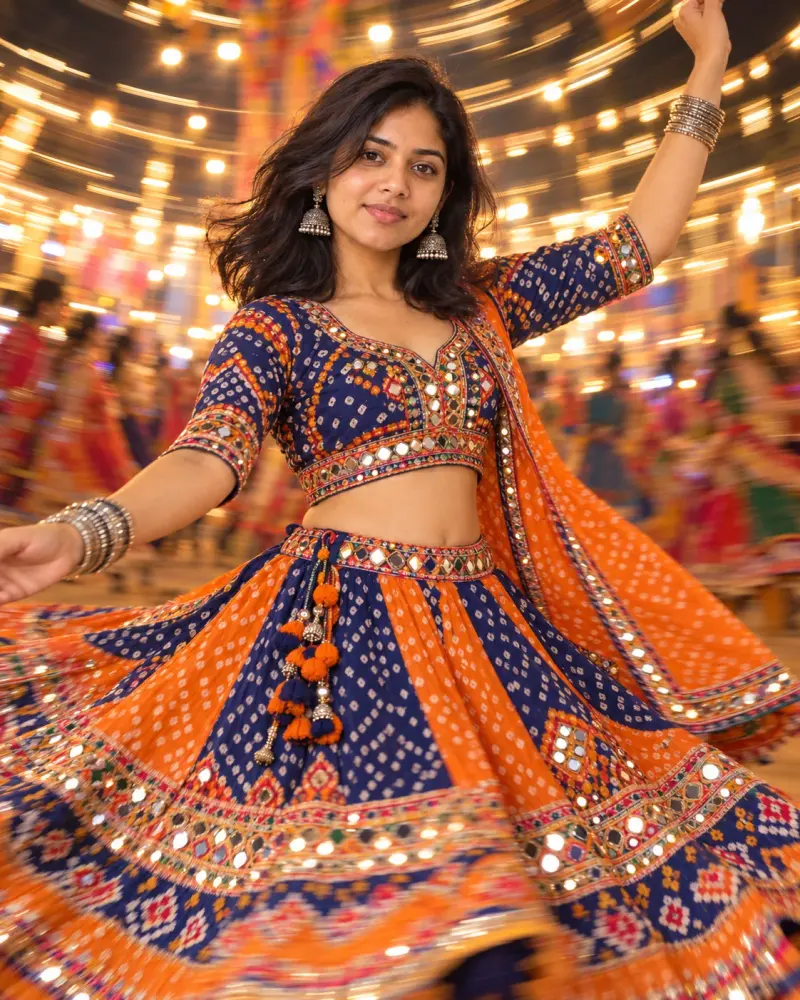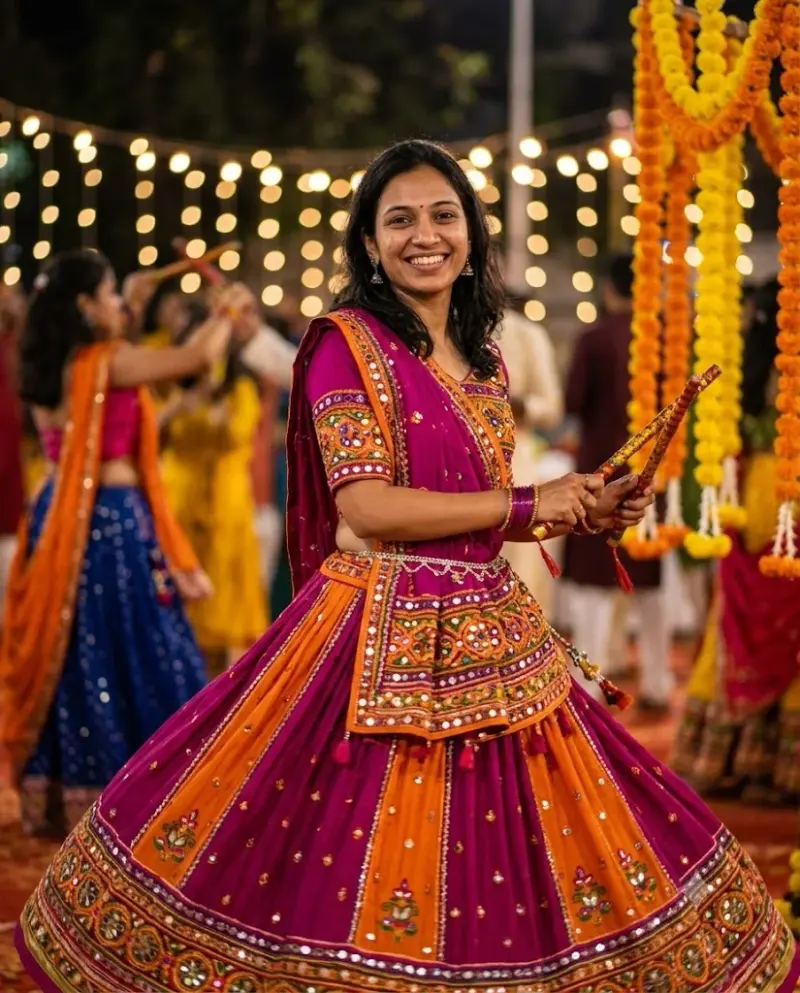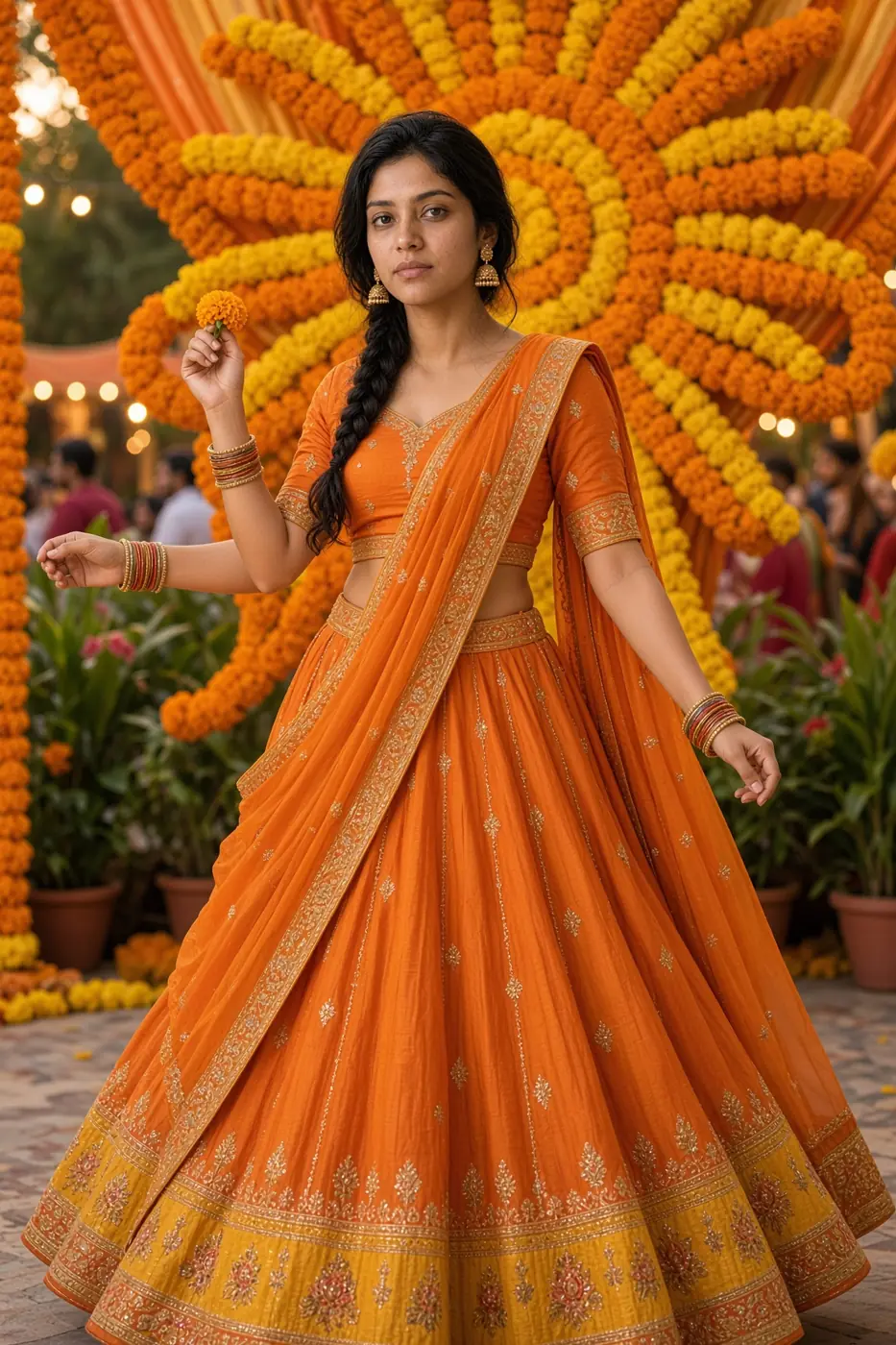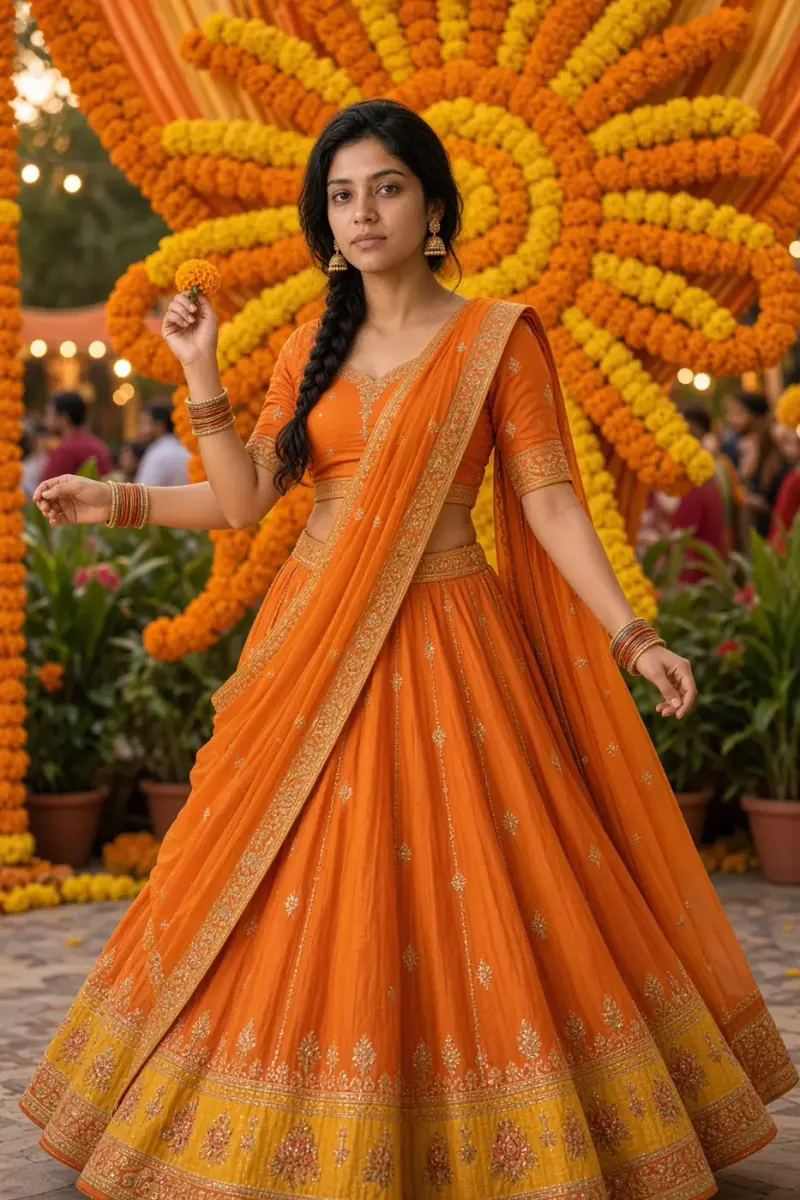
Navratri Night 4: Kushmanda-inspired photo edit
Give a portrait a warm community-festival backdrop with a marigold sunburst decoration. Upload a clear photo, paste this prompt into ChatGPT, Gemini or Grok, change the parts in brackets to suit you, and generate.
For Navratri 2026, use Royal blue. The preview shows the original tested colours. Changing colours creates a new prompt version; that version has not been run-tested.
- Written for
- ChatGPT, Gemini, Grok
- You'll need
- A clear photo to upload
- Occasion
- Navratri, Durga Puja & Dussehra · 11 – 19 Oct · Dussehra 20 Oct
- Status
- Tested 9 Oct 2026 in Grok Imagine image edit (9 Oct 2026, lehenga run; model id not exposed)
- Test settings
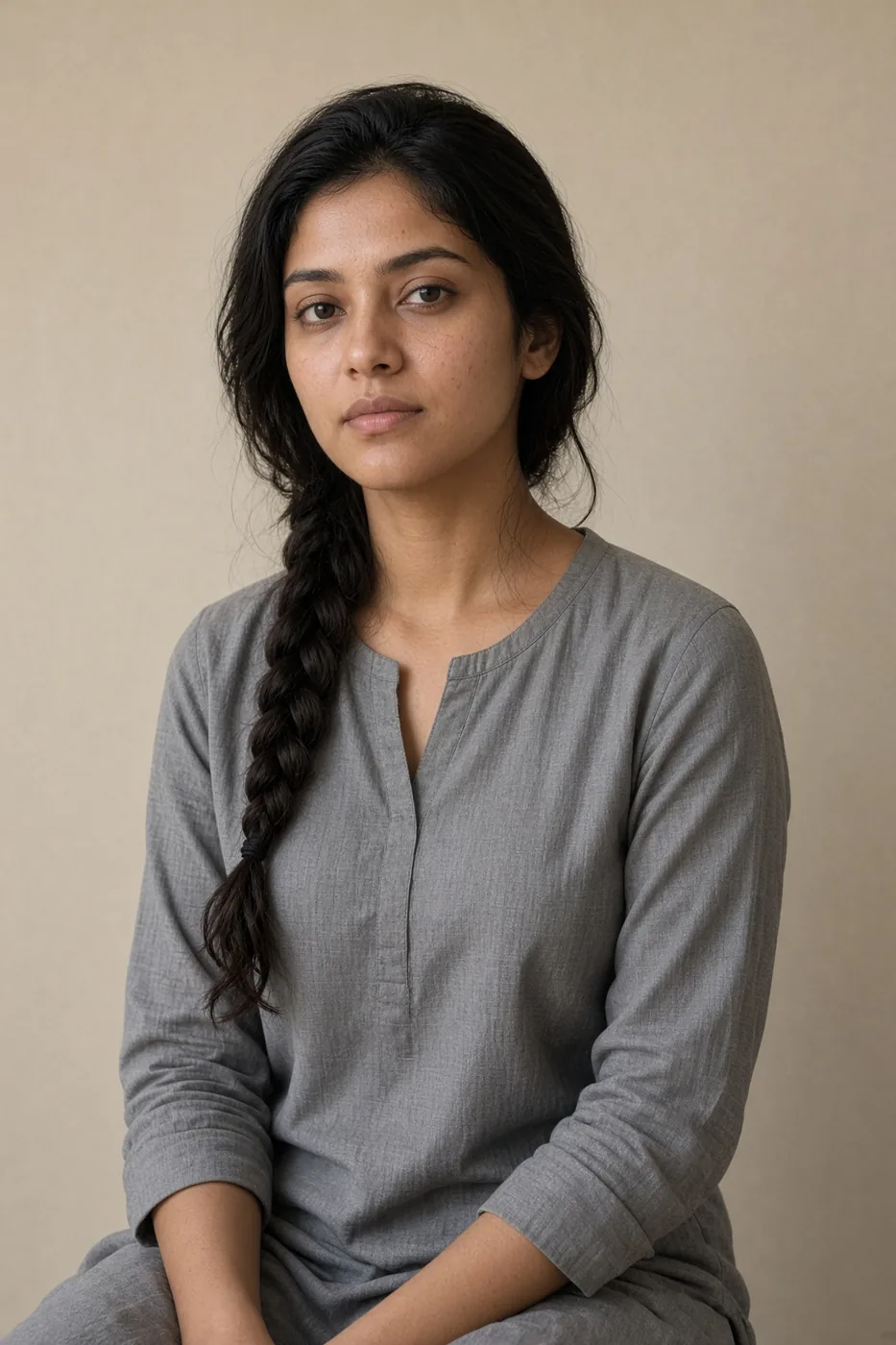
- Exact default prompt text from this page, including its lehenga-choli line, was submitted as the only edit instruction on 9 Oct 2026 in Grok Imagine. Synthetic adult-woman portrait used as the sole image input (/media/navratri-night-04-kushmanda-reference-20261009-v3.webp). The prompt asks for a saffron-orange lehenga choli, adult woman, not a kurta. Night 4 is an adult woman, not a man. First result of this run kept. The generator has no 4:5 preset, so the saved still is 2:3. No seed was exposed. Converted to WebP under 200 KB with no creative retouch. ChatGPT and Gemini were not used.
- Variability
- Another uploaded photo can change the face, hands, skirt flare and crop. This is one synthetic-source result. It does not depict a goddess, and a kurta in the source photo is meant to be replaced by the lehenga named in the prompt.
Prompt
Edit the uploaded photo using it as the sole identity reference. Preserve each visible person's face, age, natural skin tone, hair, body proportions and the original people count as closely as the model allows; compare with the original.

Create a Navratri Night 4 portrait inspired by the Kushmanda theme, without depicting or impersonating a goddess. Place the person in a community courtyard with a soft marigold sunburst made only from flowers and fabric as venue decoration; do not add a supernatural glow or claim a ritual.

The subject is one adult woman, not a man or a boy. Replace the outfit with a saffron-orange lehenga choli only: a short-sleeve choli, a flared orange lehenga with a golden-yellow border, and an orange dupatta. Do not use a kurta. Clear face and hands, warm evening light, green plants and a softly blurred gathering behind. Frame from the head to below the knee so the choli and the lehenga skirt are both visible. Vertical 4:5, realistic color and fabric detail.

Avoid deity imagery, added foreground people, altered identity, oversaturated skin, extra fingers or limbs, text, logos and watermarks.
Customise
For example: saffron-orange.
Fields start with illustrative values; replace them with your own facts. The prompt updates as you type. Copy prompt copies your version.
How to use it
- Open an external image tool listed above. The tested model, if any, is named in Status.
- Upload a clear reference photo of the subject. If it includes identifiable people, get their consent and check each face.
- Customise the fields, copy your version, paste it with the photo and generate.
- Compare the result with the reference. If a face, pose or detail changes, ask for one correction or try again; an exact match is not guaranteed.
How to use this prompt
- This prompt changes your own photo. Choose a clear reference photo, and get permission from people who can be identified.
- Upload the photo in the external AI app you chose. Fill Customise, press Copy prompt and paste the prompt with the photo.
- Compare the new picture with the original. Face, hands, clothes and pose can change. An exact likeness is not guaranteed.
Good to know
- The preview uses the original tested outfit colour, not the 2026 calendar colour. Use the 2026 preset or your local colour; customised versions are not run-tested. Identity and clothing details can vary.
- Use reference photos you have the right to use; get consent from identifiable people.