LinkedIn post from a real work lesson
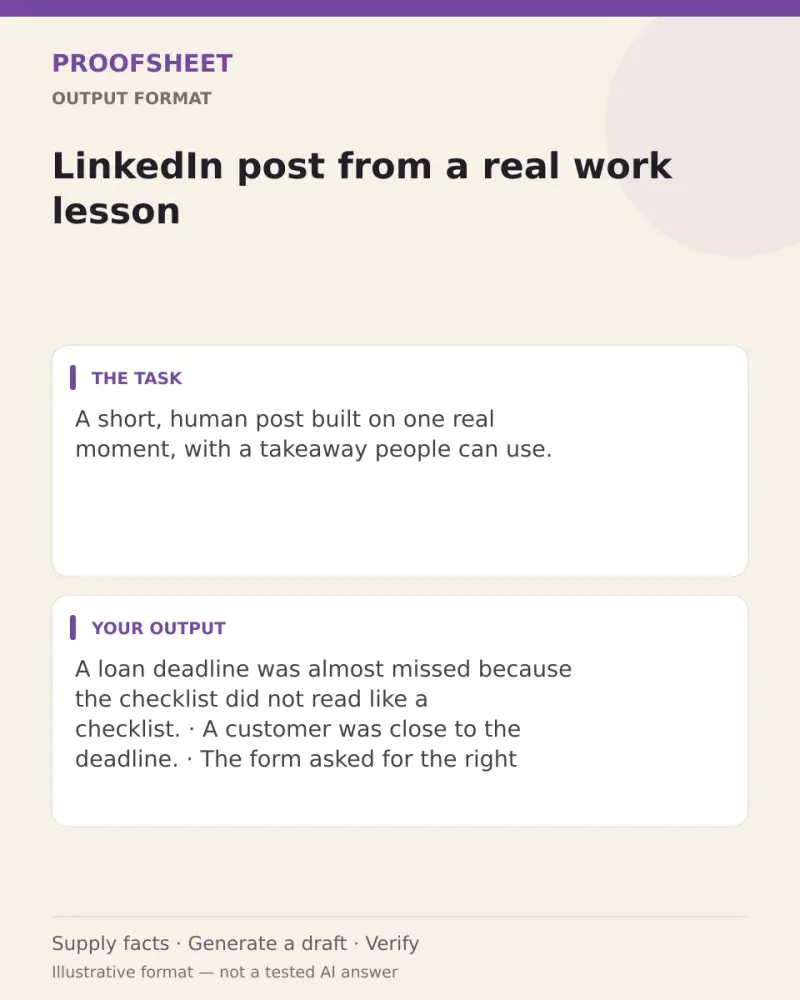
A short, human post built on one real moment, with a takeaway people can use. Paste this prompt into ChatGPT, Gemini, Grok or Claude, change the parts in brackets to suit you, and generate.
- Written for
- ChatGPT, Gemini, Grok, Claude
- Status
- Tested 9 Oct 2026 in Grok, 9 Oct 2026 (one run; model id not exposed)
- Test settings
- The page's exact default prompt was run once in Grok on 9 Oct 2026. The default details already written on the page were the input. They are illustrative, not a record of a real event. ChatGPT and Gemini were not used. The first result was kept.
- Variability
- A different set of details, or another run, will change the wording. This is the first result for the defaults on this page.
Prompt
Turn this real work moment into a LinkedIn post.

What happened: a customer almost missed a loan deadline because the checklist was confusing; we rewrote it in plain language
What I learned: clear forms save more time than extra follow-ups
Who should read this: people who design processes for customers

Rules:
- 120 to 220 words. Short lines, lots of white space.
- First line: a specific, curious hook. No "I'm excited to share" or "Agree?".
- Tell the moment in 3 to 5 short lines, then the lesson, then one practical tip.
- End with one genuine question that invites comments.
- Use only my facts. Remove anything that could identify a customer or colleague.
- At most 3 relevant hashtags at the end. No emojis unless I ask.

Give me the post, then one shorter version under 100 words.
Customise
For example: your own story.
For example: clear forms save more time than extra follow-ups.
For example: a private note to family, in plain words.
Fields start with illustrative values; replace them with your own facts. The prompt updates as you type. Copy prompt copies your version.
Example output
Actual tested output. The notes used for this result are an example, not a real event. This box is not copied. Replace the notes above with your own before you paste the prompt.
A loan deadline was almost missed because the checklist did not read like a checklist.

A customer was close to the deadline.
The form asked for the right papers, but the order and the wording were hard to follow.
Nothing was missing from the list. The list itself was the problem.
We rewrote it in plain language.
The same steps stayed. The path through them got easier to understand.

The lesson was simple. Clear forms save more time than extra follow-ups.
A reminder can only chase a person who is already lost in the form.
A plain checklist can stop that chase before it starts.

Practical tip: read the checklist aloud as if you were the customer, and cut any line you cannot explain in one breath.

If you design processes for customers, when did a clearer form save you more time than another reminder?

#ProcessDesign #PlainLanguage #CustomerExperience

Shorter version

A customer almost missed a loan deadline. The checklist was confusing, not incomplete.

We rewrote it in plain language. The steps stayed the same. The path got easier to follow.

Clear forms save more time than extra follow-ups. Read your checklist aloud as the customer, and cut any line you cannot say in one breath.

When did a clearer form save you a round of reminders?

#ProcessDesign #PlainLanguage #CustomerExperience
How to use it
- Open ChatGPT, Gemini, Grok or Claude.
- Paste the prompt and replace the [BRACKETS] with your details.
- Review names, facts and the requested format; follow up with corrections or missing details.
How to use this prompt
- Fill Customise with your real details. Do not let the tool guess a missing fact. Write the missing information clearly if you need to.
- Press Copy prompt and paste it into the AI app named above. This page copies the prompt. The answer is created in the external app.
- Check names, facts, numbers, language and the format you asked for. If something is wrong or incomplete, ask for a correction.
Good to know
- Never post customer or employer confidential details. Check your organisation's social media policy before posting about work. Run once in Grok on 9 Oct 2026 using the illustrative defaults on this page. Check the draft against your own facts before you use it.
- Check facts before you rely on the answer.