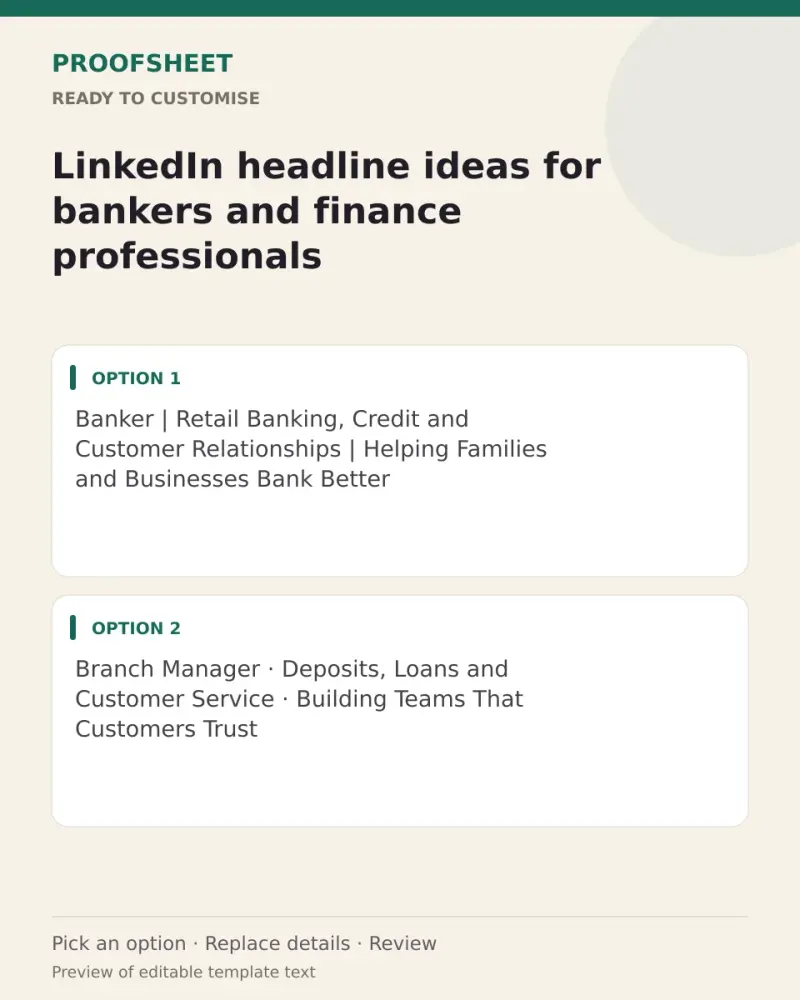
LinkedIn headline ideas for bankers and finance professionals
10 ready LinkedIn headlines for bankers and finance professionals — pick one, copy and paste. Replace any bracketed details and review before using. No AI tool needed.
- Written for
- No AI needed
- Status
- Ready-to-use template — no AI tool needed
10 ready optionsTap Copy, then paste · limit 220 characters
Banker | Retail Banking, Credit and Customer Relationships | Helping Families and Businesses Bank Better
Top pick · 104 / 220 characters
Branch Manager · Deposits, Loans and Customer Service · Building Teams That Customers Trust
91 / 220 characters
Credit Officer | MSME and Retail Lending | Clear Appraisals, Sound Decisions
76 / 220 characters
Relationship Manager | Helping Clients with Accounts, Loans and Everyday Banking
80 / 220 characters
Finance Professional | Budgeting · Forecasting · MIS Reporting | Turning Numbers into Decisions
95 / 220 characters
Banking Professional · Compliance, KYC and Risk · Keeping Operations Clean and Customer-Friendly
96 / 220 characters
Senior Manager in Banking | Operations, Credit and People Management | Sharing Lessons from the Branch
102 / 220 characters
Financial Analyst | Excel, Modelling and Reporting | Making Financial Data Easy to Read
87 / 220 characters
Banker Sharing Simple Money Tips on Savings, Loans and Digital Banking Safety
77 / 220 characters
Treasury and Investment Operations | Accuracy, Controls and Timely Reporting
76 / 220 characters
Prompt
Banker | Retail Banking, Credit and Customer Relationships | Helping Families and Businesses Bank Better
How to use it
- Read the options and pick the one that sounds most like you.
- Tap Copy under it.
- Paste into the intended message, document or profile editor.
- Change any word that isn't true for you before saving.
How to use this prompt
- Read the ready options and choose the message that fits. Where you see [BRACKETS], fill in your own details.
- Press Copy, then paste the message into your own message or profile. A finished message does not need an AI tool.
- Before you send it, check the name, the relationship and the language.
Good to know
- Pick the one closest to your real skills; LinkedIn shows only the first ~60 characters in search, so lead with your main role.
- Read it once before posting and adjust the wording so it sounds like you.