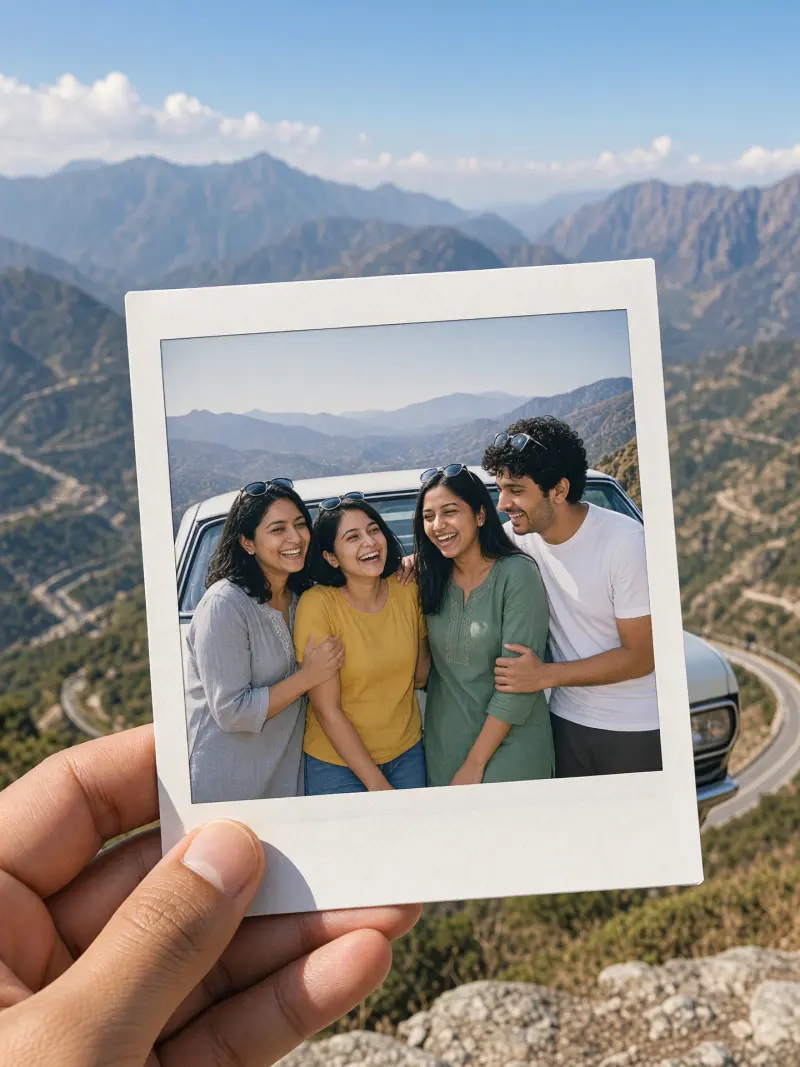
Instant-film road-trip photo with friends
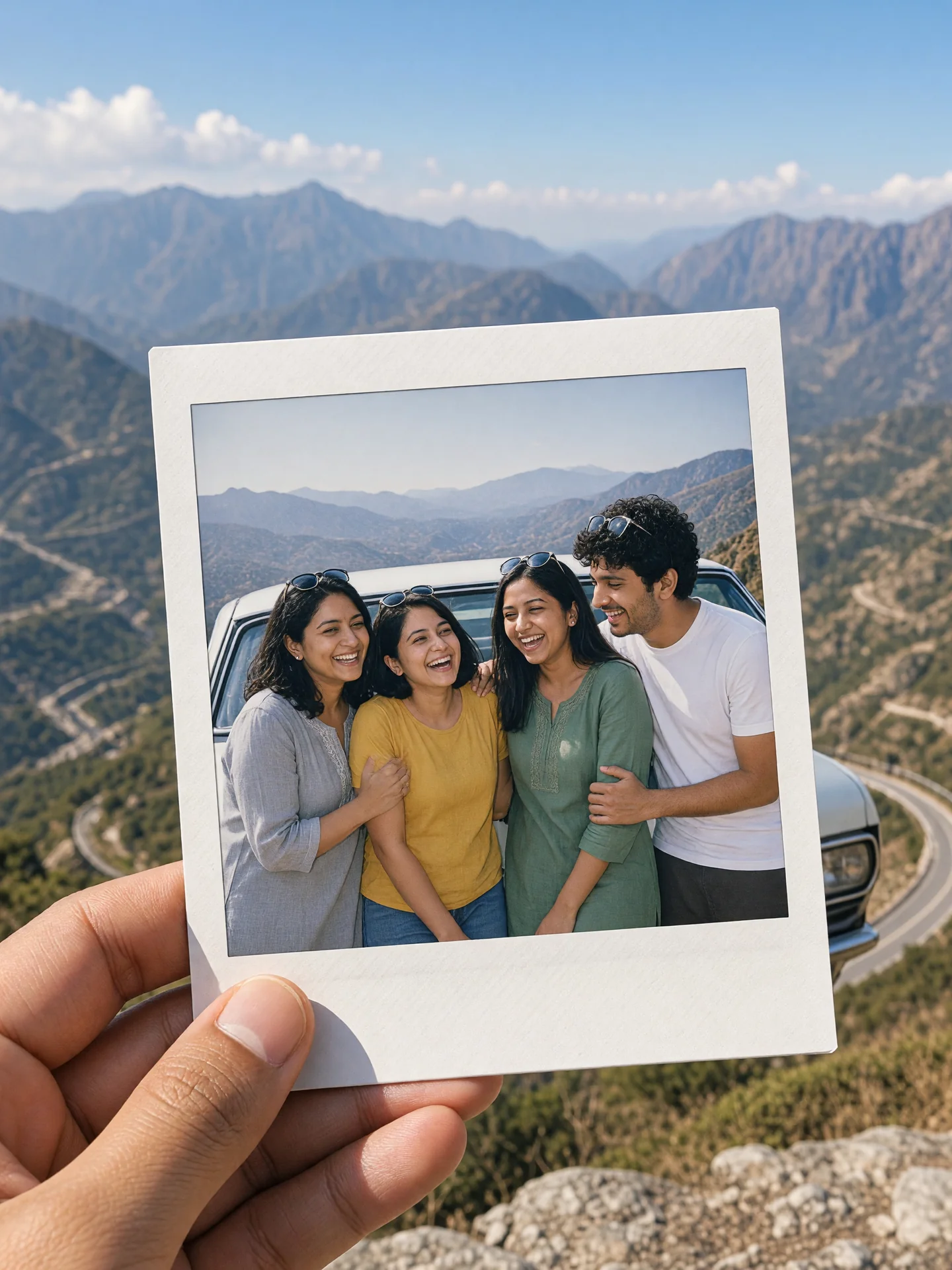
A sunny instant-film snapshot of you and your friends by the car on a road trip. Upload a clear photo, paste this prompt into ChatGPT, Gemini or Grok, change the parts in brackets to suit you, and generate.
Part of the Instant film photo trend
- Written for
- ChatGPT, Gemini, Grok
- You'll need
- A clear photo to upload
- Status
- Tested 20 Oct 2026 in grok-imagine-image-2.0
- Test settings
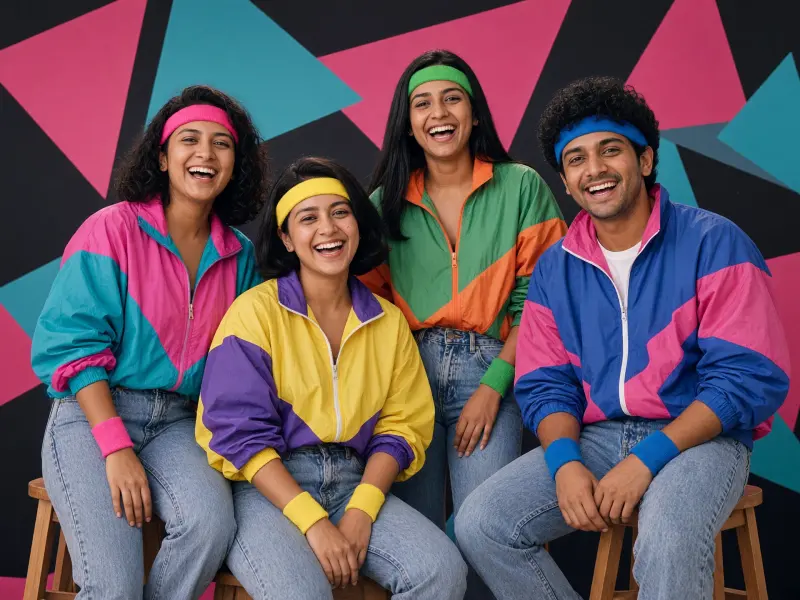
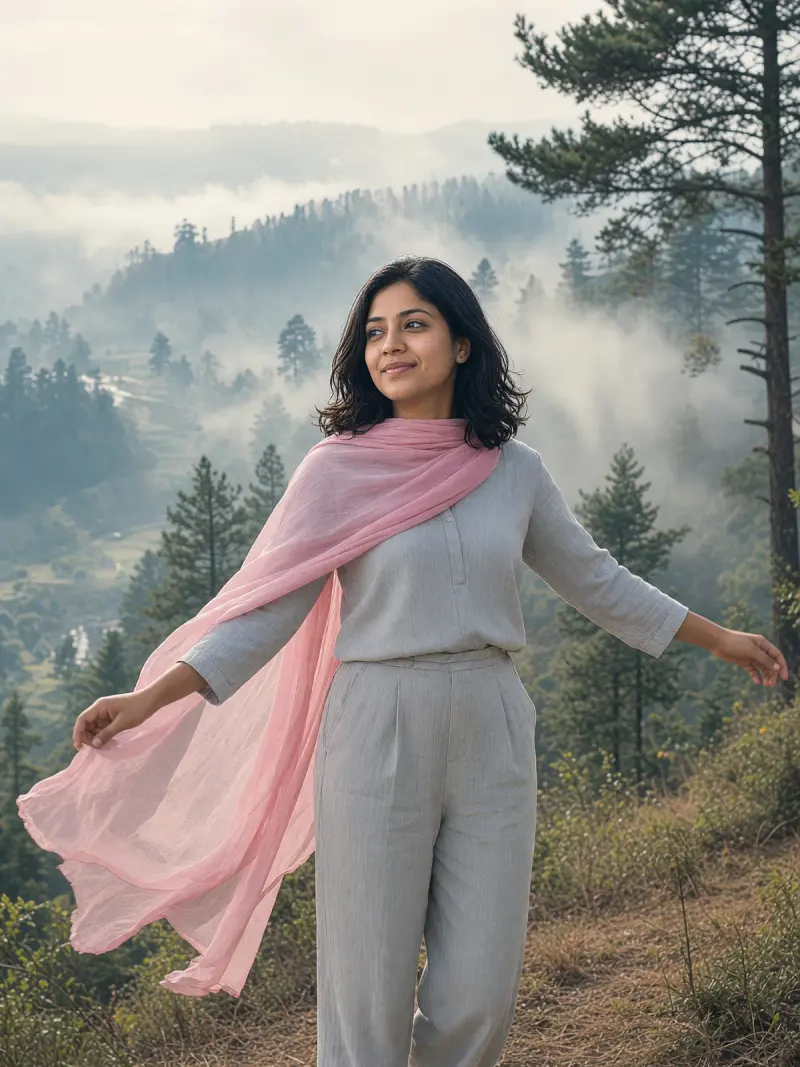
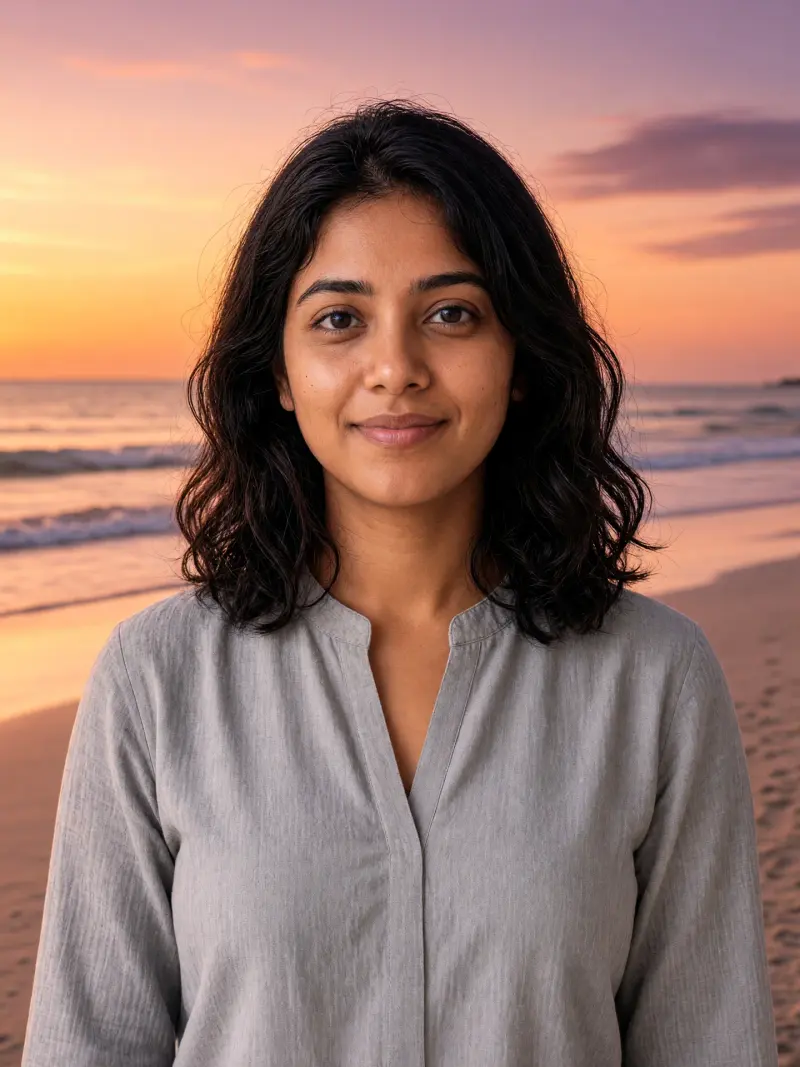
- Reference photo: an AI-generated picture of fictional friends (not real persons), made in Grok for this test. Uploaded with the default copy text unchanged. Aspect ratio 3:4 (no 4:5 preset). First result used. Resized to 1440x1920 and converted to WebP.
- Variability
- Faces, poses and small details vary between runs; always compare the result with your own photo.
Prompt
Use the uploaded photo, or photos, as the reference for me and my friends; everyone shown has agreed to this edit. Preserve each person's recognisable face, natural skin tone, hairline and body proportions as closely as the model permits; check the result against the references. Keep everyone's ages as they are in the photo.
Scene: friends leaning on a car parked at a mountain road viewpoint, shown as one instant-film print with a white border, held up in one hand against the real view.
Pose: arms around each other, sunglasses on heads, mid-laugh.
Clothing: the clothes from the photos.
Light: bright midday sun with a little flash fill.
Style: candid instant-film snapshot, slightly washed colours, faint grain.
Format: vertical 4:5
Avoid: adding or removing people, changing anyone's face, age or skin tone, skin lightening, car brand badges, readable number plates, text, logos, watermarks.
Customise
For example: a mountain road viewpoint.
For example: sunglasses on heads, mid-laugh.
Fields start with illustrative values; replace them with your own facts. The prompt updates as you type. Copy prompt copies your version.
How to use it
- Open an external image tool listed above. The tested model, if any, is named in Status.
- Upload a clear reference photo of the subject. If it includes identifiable people, get their consent and check each face.
- Customise the fields, copy your version, paste it with the photo and generate.
- Compare the result with the reference. If a face, pose or detail changes, ask for one correction or try again; an exact match is not guaranteed.
How to use this prompt
- This prompt changes your own photo. Choose a clear reference photo, and get permission from people who can be identified.
- Upload the photo in the external AI app you chose. Fill Customise, press Copy prompt and paste the prompt with the photo.
- Compare the new picture with the original. Face, hands, clothes and pose can change. An exact likeness is not guaranteed.
Good to know
- A print inside a photo makes faces tiny; ask for the print to fill more of the frame if faces drift.
- Use reference photos you have the right to use; get consent from identifiable people.