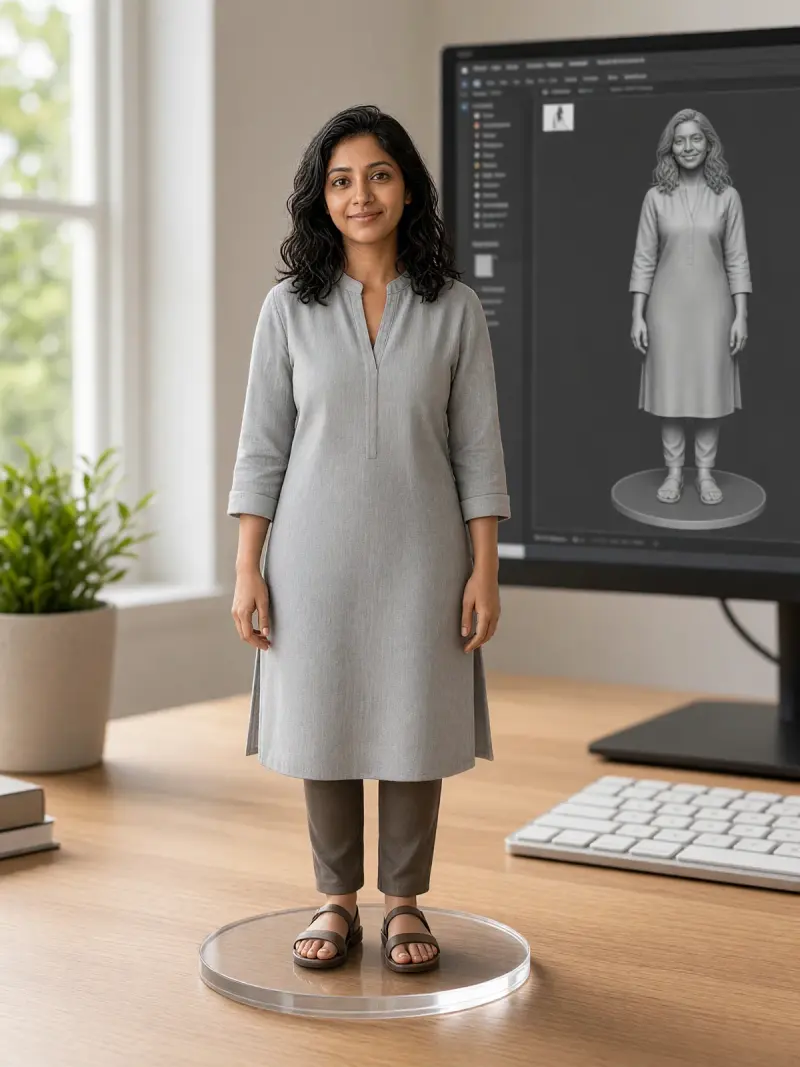
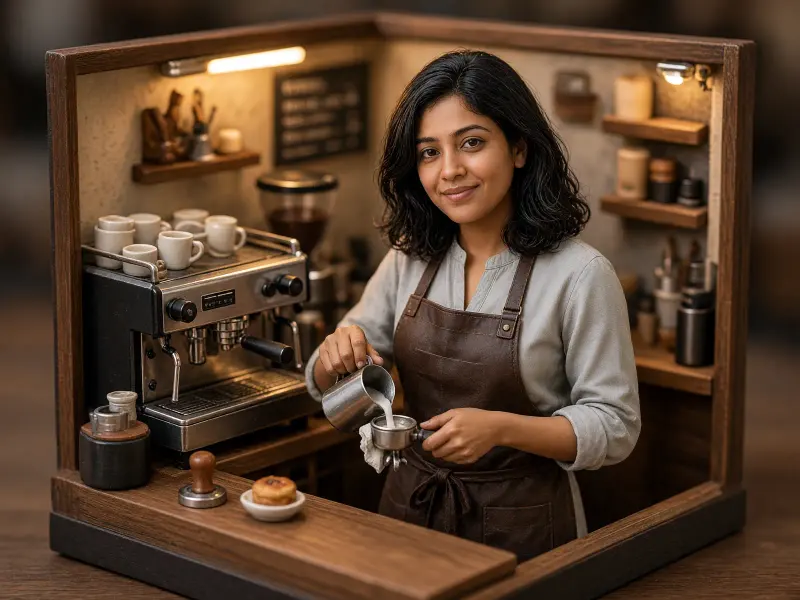
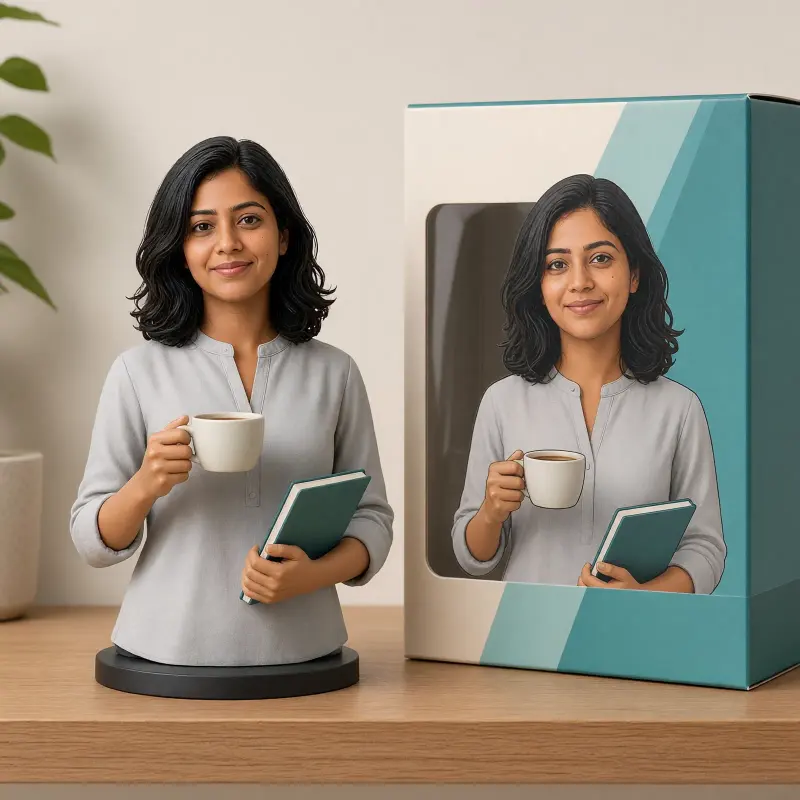
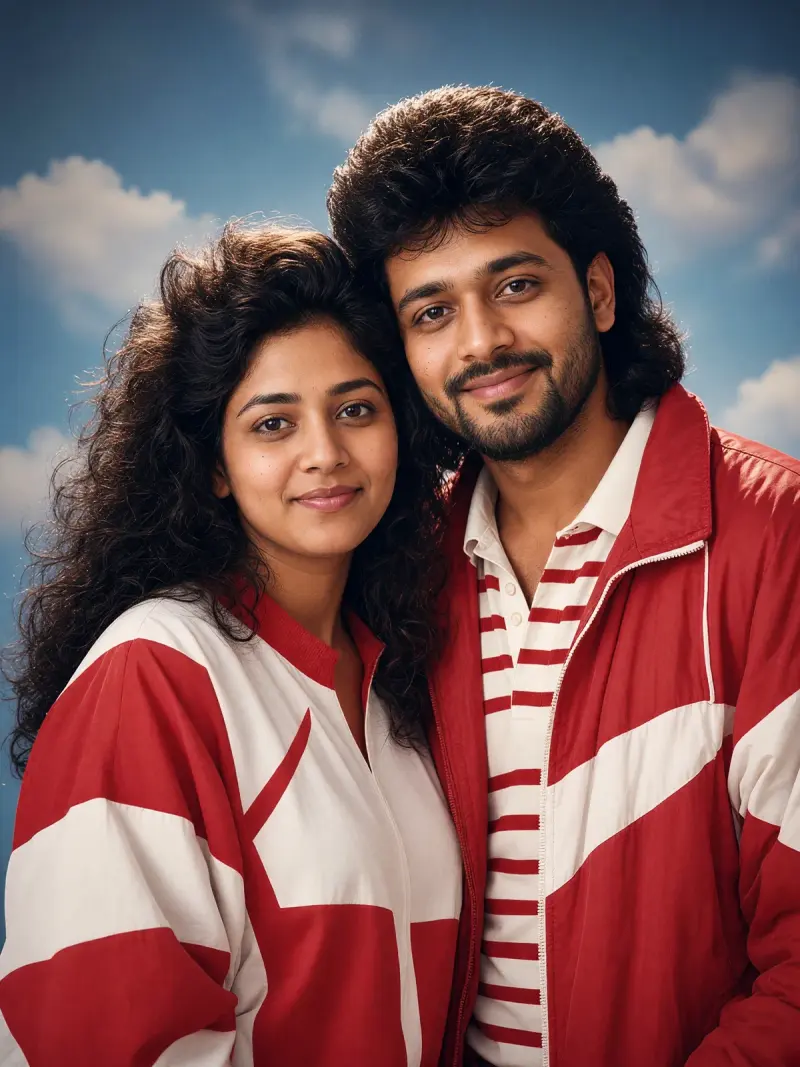
Home window-light portrait, Hindi prompt
Your own photo turned into a calm indoor portrait with soft window light, written in Hindi. Upload a clear photo, paste this prompt into ChatGPT, Gemini or Grok, change the parts in brackets to suit you, and generate.
- Written for
- ChatGPT, Gemini, Grok
- You'll need
- A clear photo to upload
- Status
- Real example image coming soon
Prompt
पहचान की पंक्ति:
मेरी अपलोड की गई फ़ोटो को आधार बनाएँ। उसमें दिखाई देने वाले वयस्क व्यक्ति के चेहरे की पहचान, आँखें, नाक, होंठ, बाल, त्वचा का वास्तविक रंग और स्वाभाविक विशेषताएँ सुरक्षित रखें।

दृश्य:
घर का साधारण बैठक-कमरा में खिड़की के पास बैठे हुए वयस्क व्यक्ति। पृष्ठभूमि में सादी दीवार, एक कुर्सी और हल्की घरेलू सजावट हो। वातावरण शांत, स्वच्छ और स्वाभाविक लगे।

मुद्रा:
व्यक्ति आराम से बैठे हों। कंधे सहज हों, चेहरा कैमरे की ओर हो और चेहरे पर हल्की, स्वाभाविक मुस्कान हो।

कपड़े:
हल्के नीले रंग की सूती कमीज़ पहनाएँ। कपड़े साफ़, सादे और बिना किसी चिह्न के हों।

रोशनी:
खिड़की से आती मुलायम प्राकृतिक रोशनी चेहरे पर पड़े। त्वचा का वास्तविक रंग बना रहे। चेहरे पर कठोर छाया या अत्यधिक चमक न हो।

कैमरा:
50mm लेंस, f/2.8, आँखों की ऊँचाई से लिया गया चित्र। चेहरा स्पष्ट रहे और पृष्ठभूमि हल्की धुँधली हो।

शैली:
यथार्थवादी फ़ोटो, प्राकृतिक रंग, त्वचा की वास्तविक बनावट और संतुलित प्रकाश। चित्र बनावटी न लगे।

फ़ॉर्मेट:
4:5 अनुपात, लंबवत चित्र, स्पष्ट चेहरा और संतुलित रचना।

बचें:
चेहरा बदलना, त्वचा गोरी करना, अतिरिक्त उँगलियाँ, लिखावट, लोगो, वॉटरमार्क, अस्वाभाविक त्वचा, विकृत हाथ, अत्यधिक सौंदर्य-संपादन और कृत्रिम चमक।
Customise
For example: घर का साधारण बैठक-कमरा.
For example: हल्के नीले रंग की सूती कमीज़.
Fields start with illustrative values; replace them with your own facts. The prompt updates as you type. Copy prompt copies your version.
How to use it
- Open an external image tool listed above. The tested model, if any, is named in Status.
- Upload a clear reference photo of the subject. If it includes identifiable people, get their consent and check each face.
- Customise the fields, copy your version, paste it with the photo and generate.
- Compare the result with the reference. If a face, pose or detail changes, ask for one correction or try again; an exact match is not guaranteed.
How to use this prompt
- This prompt changes your own photo. Choose a clear reference photo, and get permission from people who can be identified.
- Upload the photo in the external AI app you chose. Fill Customise, press Copy prompt and paste the prompt with the photo.
- Compare the new picture with the original. Face, hands, clothes and pose can change. An exact likeness is not guaranteed.
Good to know
- Not yet tested on this page. Image models follow Hindi prompts less reliably than English ones and may change the face; always compare the result with your photo.
- Use reference photos you have the right to use; get consent from identifiable people.