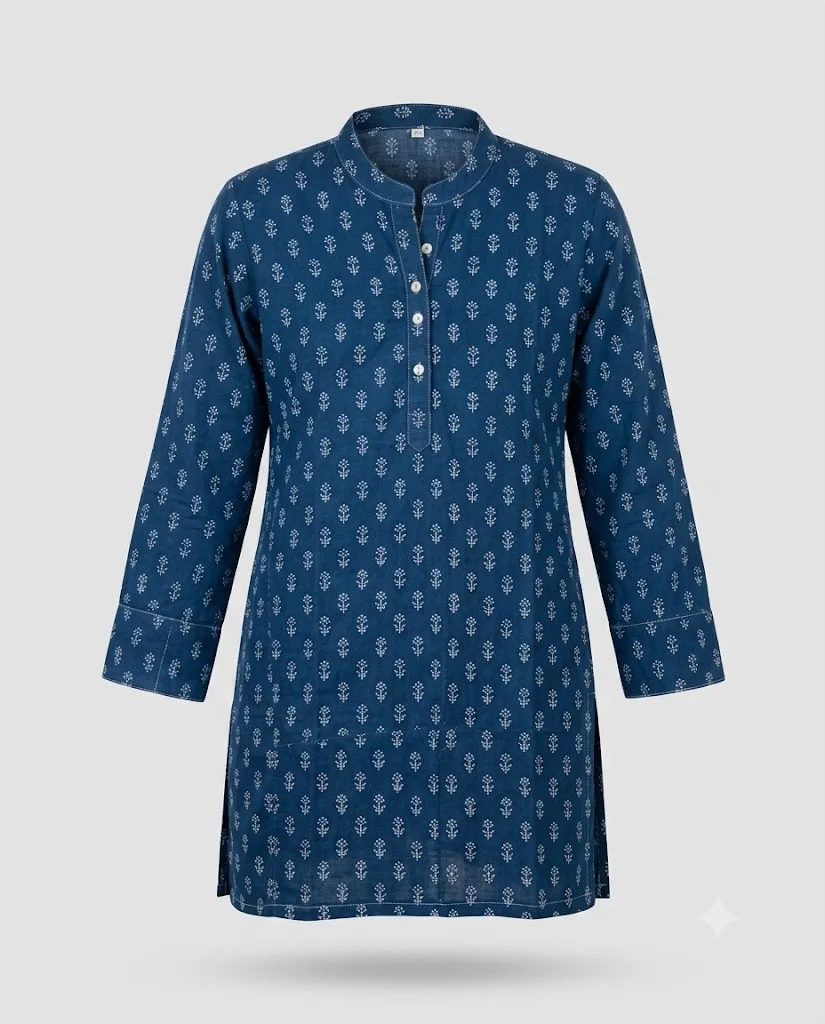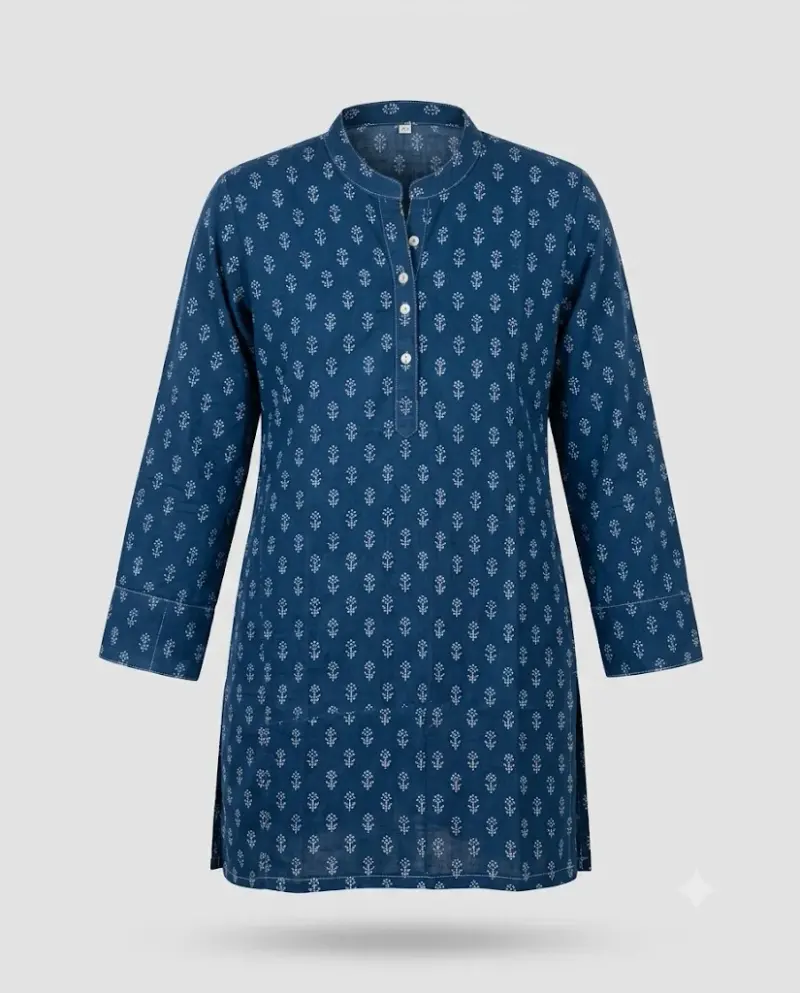
Ghost Mannequin Clothing Shot
Your garment shown in a 3D worn shape with no model or mannequin visible, for clothing stores. Upload a clear photo, paste this prompt into ChatGPT, Gemini or Grok, change the parts in brackets to suit you, and generate.
- Written for
- ChatGPT, Gemini, Grok
- You'll need
- A clear photo to upload
- Status
- Tested 28 Sep 2026 in Gemini app (web), Flash mode with built-in image generation
- Test settings
- Reference photo: an AI-generated picture of a block-printed kurta, made in Gemini for this test. Uploaded with the default copy text unchanged in a new Gemini chat. First result used; only converted to WebP.
- Variability
- Shape, colours and small details can vary between runs; compare with your own photo. Gemini adds a small sparkle watermark in the corner.
Prompt
Use the uploaded photo as the reference for the garment. Preserve its exact colour, fabric, print, stitching, buttons, collar and length; do not redesign it. Check the result against the reference.
Scene: the cotton kurta displayed in a ghost (invisible) mannequin style: it holds a natural worn 3D shape with no body, mannequin or hanger visible; the inside back of the neck is visible through the collar opening.
View: front view, symmetrical, sleeves falling naturally.
Background: plain light grey with a very soft shadow below.
Light: even soft studio light, accurate fabric colour, texture visible, no shiny hot spots.
Camera: 70mm, straight on, f/11, whole garment sharp.
Format: vertical 4:5.
Avoid: visible mannequin, hands or body parts, wrinkles that change the fit, changed print or colour, extra buttons or pockets, text, watermarks.
Customise
For example: cotton kurta.
For example: front.
For example: light grey.
Fields start with illustrative values; replace them with your own facts. The prompt updates as you type. Copy prompt copies your version.
How to use it
- Open an external image tool listed above. The tested model, if any, is named in Status.
- Upload a clear reference photo of the subject. If it includes identifiable people, get their consent and check each face.
- Customise the fields, copy your version, paste it with the photo and generate.
- Compare the result with the reference. If a face, pose or detail changes, ask for one correction or try again; an exact match is not guaranteed.
How to use this prompt
- This prompt changes your own photo. Choose a clear reference photo, and get permission from people who can be identified.
- Upload the photo in the external AI app you chose. Fill Customise, press Copy prompt and paste the prompt with the photo.
- Compare the new picture with the original. Face, hands, clothes and pose can change. An exact likeness is not guaranteed.
Good to know
- Prints and embroidery can simplify; the inside neck may not match your actual label, so check details before listing.
- Use reference photos you have the right to use; get consent from identifiable people.