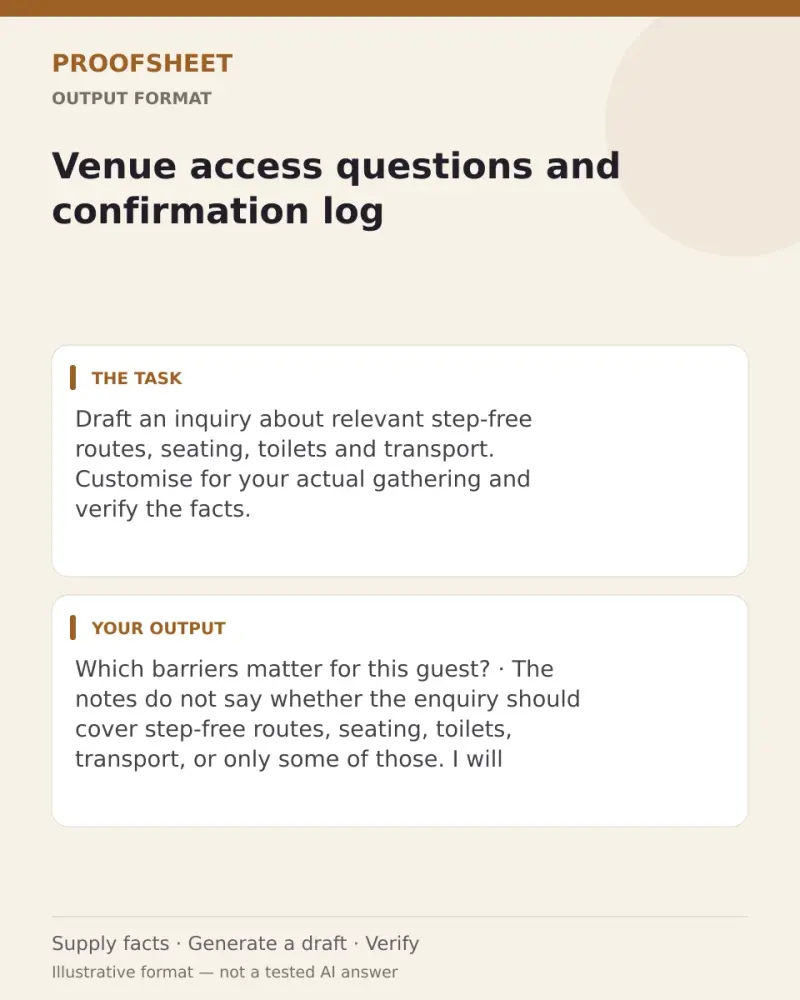
Venue access questions and confirmation log
Draft an inquiry about relevant step-free routes, seating, toilets and transport. Customise for your actual gathering and verify the facts. Paste this prompt into ChatGPT, Gemini, Claude or Grok, change the parts in brackets to suit you, and generate.
- Written for
- ChatGPT, Gemini, Claude, Grok
- Status
- Tested 9 Oct 2026 in Grok, 9 Oct 2026 (one run; model id not exposed)
- Test settings
- The page's exact default prompt was run once in Grok on 9 Oct 2026. The default details already written on the page were the input. They are illustrative, not a record of a real event. ChatGPT and Gemini were not used. The first result was kept.
- Variability
- A different set of details, or another run, will change the wording. This is the first result for the defaults on this page.
Prompt
Draft an inquiry about relevant step-free routes, seating, toilets and transport. Return enquiry plus a table separating verified facilities, evidence/date and pending questions. Do not infer accessibility from photographs, diagnose anyone or promise unconfirmed facilities.

Occasion and community context:
Name the occasion and family, regional or community context. Do not assume a universal practice.

Source material:
Paste the confirmed facts, source text or records required by this task. This guidance is empty input, not evidence.

Audience and tone:
Specify private organiser, family group or public reader, and the preferred tone.

If the notes do not say which barriers matter for this guest, ask before you write the enquiry. Do not decide from a photograph that a route is step-free. Separate a facility the venue has confirmed from a question that is still open. Do not send the enquiry.
Customise
For example: a family lunch, not a public event.
Paste the notes or records the draft must follow.
For example: a private note to family, in plain words.
Fields start with illustrative values; replace them with your own facts. The prompt updates as you type. Copy prompt copies your version.
Example output
Actual tested output. The notes used for this result are an example, not a real event. This box is not copied. Replace the notes above with your own before you paste the prompt.
Which barriers matter for this guest?

The notes do not say whether the enquiry should cover step-free routes, seating, toilets, transport, or only some of those. I will not write the enquiry until you say which ones matter, and for whom.

I will not decide from a photograph that a route is step-free. A facility the venue has confirmed will be listed apart from a question that is still open, with the evidence and date you supply. I will not promise an unconfirmed facility. I will not send the enquiry.
How to use it
- Open ChatGPT, Gemini, Grok or Claude.
- Paste the prompt and replace the [BRACKETS] with your details.
- Review names, facts and the requested format; follow up with corrections or missing details.
How to use this prompt
- Fill Customise with your real details. Do not let the tool guess a missing fact. Write the missing information clearly if you need to.
- Press Copy prompt and paste it into the AI app named above. This page copies the prompt. The answer is created in the external app.
- Check names, facts, numbers, language and the format you asked for. If something is wrong or incomplete, ask for a correction.
Good to know
- Written and structurally reviewed as an editable prompt; not independently run in a named AI app. Supply the requested source facts and verify the draft before use. A visual preview shows the task format, not an AI-tested result. Run once in Grok on 9 Oct 2026 using the illustrative defaults on this page. Check the draft against your own facts before you use it.
- Check facts before you rely on the answer.