Facebook photo alt text
Create factual alt text from supplied photo descriptions or visible images. Add your real source details before generating the draft. Paste this prompt into ChatGPT, Gemini, Claude or Grok, change the parts in brackets to suit you, and generate.
- Written for
- ChatGPT, Gemini, Claude, Grok
- Status
- Tested 9 Oct 2026 in Grok, 9 Oct 2026 (one run; model id not exposed)
- Test settings
- The page's exact default prompt was run once in Grok on 9 Oct 2026. The text in Your notes is an illustration, not a real event. ChatGPT and Gemini were not used. The first result was kept.
- Variability
- Another run, or different notes, will change the wording. This is the first result for the illustrative notes on this page.
Prompt
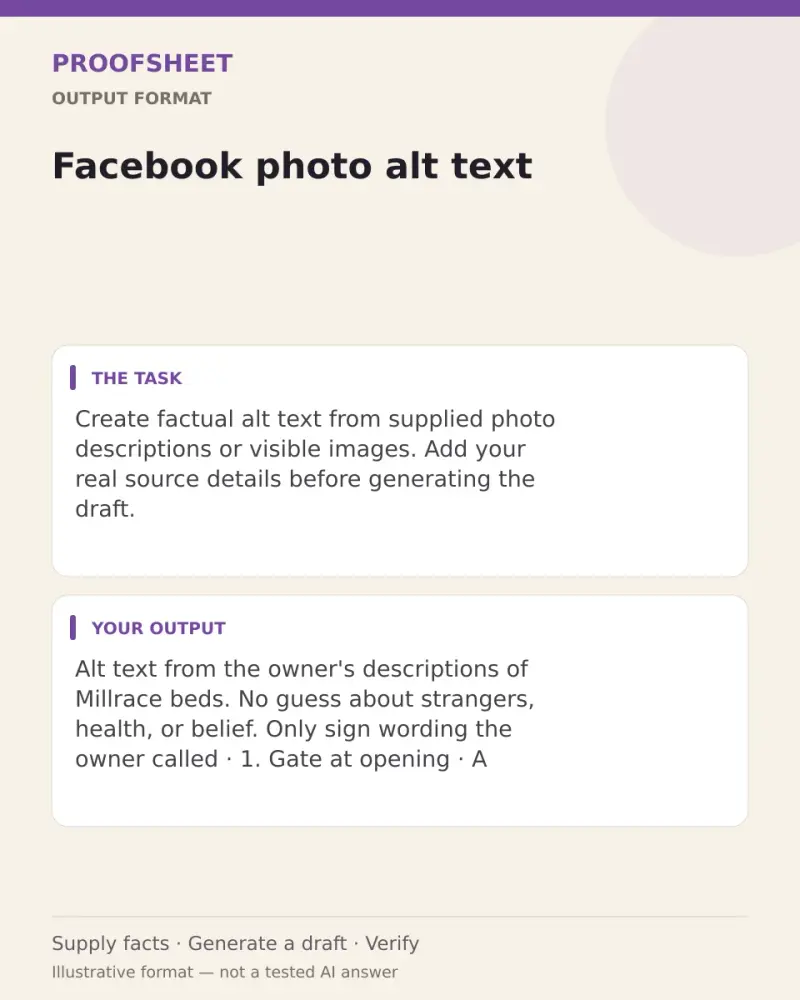
Create factual alt text from supplied photo descriptions or visible images.

Input: use only the notes at the end. If a fact this job needs is missing, ask one direct question and do not guess.

Format for Facebook photo alt text:
1. Include meaningful visible text without inferring identities, diagnoses or beliefs.

Do not add facts, names, dates, numbers or sources that are not in the notes.

Notes:
Alt text from the owner's descriptions of Millrace beds. No guess about strangers, health, or belief.

1. Gate at opening. A wooden gate with a painted board reading Millrace beds. Two watering cans sit on the gravel. No person is in the frame.
2. Work table. A plank table holding seed packets and a paper sign that reads Plot day, 09:30. The benches are empty.
3. Pauline at the shed. Pauline Greer, named by the page, stands by the open shed with a coil of hose. She faces the camera and is not speaking. The shed clock reads 09:05.

Only the sign wording the owner called visible is included.
Customise
Paste the list, names, dates or other facts this prompt should use.
Fields start with illustrative values; replace them with your own facts. The prompt updates as you type. Copy prompt copies your version.
Example output
Actual tested output. The notes used for this result are an example, not a real event. This box is not copied. Replace the notes above with your own before you paste the prompt.
Alt text from the owner's descriptions of Millrace beds. No guess about strangers, health, or belief. Only sign wording the owner called visible is included.

1. Gate at opening
A wooden gate with a painted board reading Millrace beds. Two watering cans sit on the gravel. No person is in the frame.

2. Work table
A plank table holding seed packets and a paper sign that reads Plot day, 09:30. The benches are empty.

3. Pauline at the shed
Pauline Greer, named by the page, stands by the open shed with a coil of hose. She faces the camera and is not speaking. The shed clock reads 09:05.
How to use it
- Open ChatGPT, Gemini, Grok or Claude.
- Paste the prompt and replace the [BRACKETS] with your details.
- Review names, facts and the requested format; follow up with corrections or missing details.
How to use this prompt
- Fill Customise with your real details. Do not let the tool guess a missing fact. Write the missing information clearly if you need to.
- Press Copy prompt and paste it into the AI app named above. This page copies the prompt. The answer is created in the external app.
- Check names, facts, numbers, language and the format you asked for. If something is wrong or incomplete, ask for a correction.
Good to know
- Written and structurally reviewed as an editable prompt; not independently run in a named AI app. Supply the requested source facts and verify the draft before use. A visual preview shows the task format, not an AI-tested result. The notes in Your notes are an example, not a real event. Run once in Grok on 9 Oct 2026. Replace the notes with your own before you use the draft.
- Check facts before you rely on the answer.