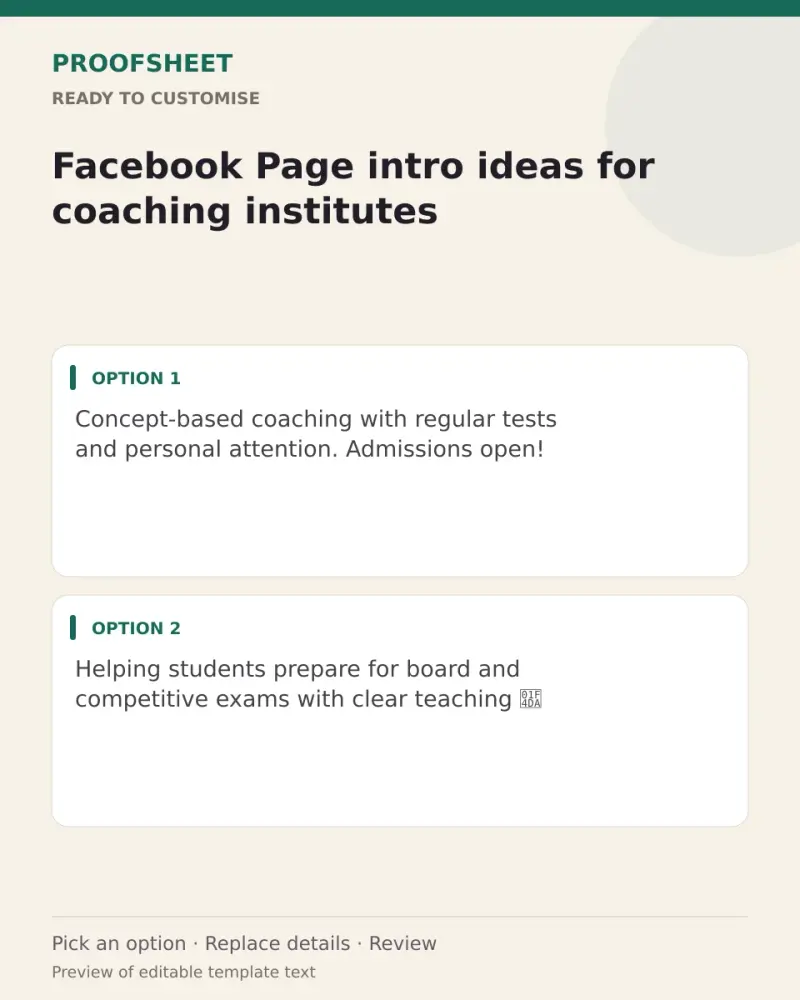
Facebook Page intro ideas for coaching institutes
10 ready Facebook Page intros for coaching institutes — pick one, copy and paste. Replace any bracketed details and review before using. No AI tool needed.
- Written for
- No AI needed
- Status
- Ready-to-use template — no AI tool needed
10 ready optionsTap Copy, then paste
Concept-based coaching with regular tests and personal attention. Admissions open!
Top pick · 82 characters
Helping students prepare for board and competitive exams with clear teaching 📚
78 characters
Small batches, experienced faculty, weekly doubt sessions. Enquire now.
71 characters
Maths and Science coaching for classes 6–12. Learn with understanding.
70 characters
Spoken English and personality development classes for all ages 🗣️
66 characters
Where hard work meets the right guidance. New batches starting soon.
68 characters
Online and offline classes with study material and test series.
63 characters
Coaching for government job exams — practice, revision and mock tests 📝
71 characters
Computer courses for students and working people. Learn job-ready skills.
73 characters
Your success is our focus. Visit us for a free demo class.
58 characters
Prompt
Concept-based coaching with regular tests and personal attention. Admissions open!
How to use it
- Read the options and pick the one that sounds most like you.
- Tap Copy under it.
- Paste into the intended message, document or profile editor.
- Change any word that isn't true for you before saving.
How to use this prompt
- Read the ready options and choose the message that fits. Where you see [BRACKETS], fill in your own details.
- Press Copy, then paste the message into your own message or profile. A finished message does not need an AI tool.
- Before you send it, check the name, the relationship and the language.
Good to know
- Facebook shows only the first line on mobile, so pick one that names what you sell; add your city if it isn't already on the page.
- Read it once before posting and adjust the wording so it sounds like you.