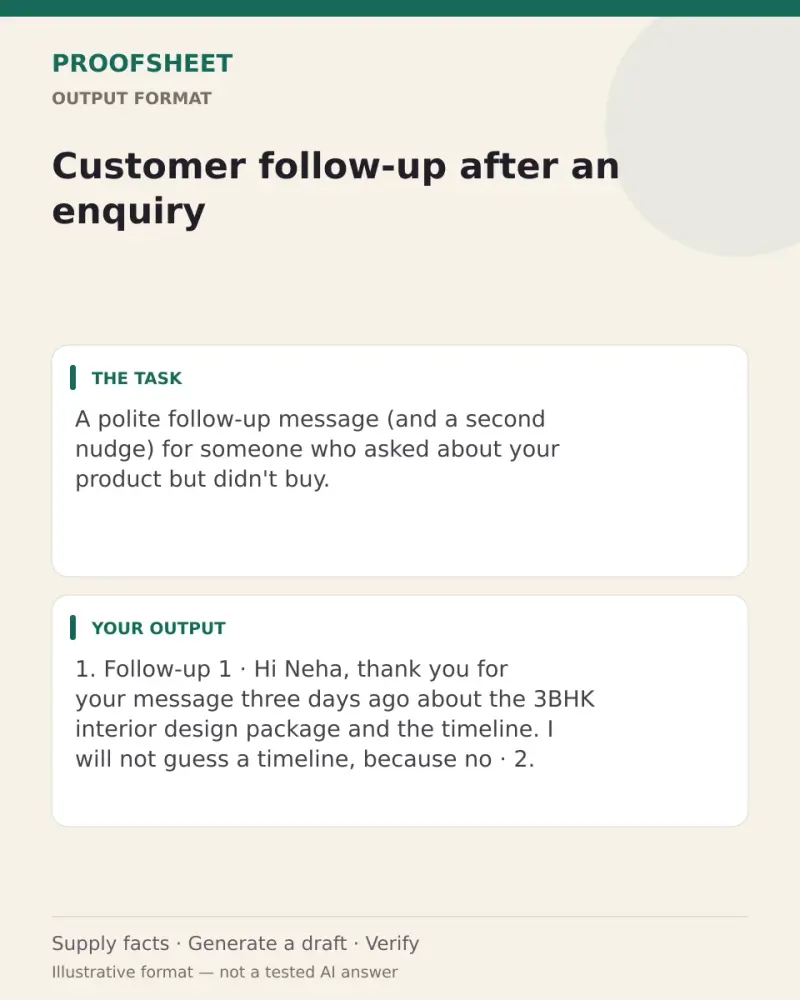
Customer follow-up after an enquiry
A polite follow-up message (and a second nudge) for someone who asked about your product but didn't buy. Paste this prompt into ChatGPT, Gemini, Grok or Claude, change the parts in brackets to suit you, and generate.
- Written for
- ChatGPT, Gemini, Grok, Claude
- Status
- Tested 9 Oct 2026 in Grok, 9 Oct 2026 (one run; model id not exposed)
- Test settings
- The page's exact default prompt was run once in Grok on 9 Oct 2026. The default details already written on the page were the input. They are illustrative, not a record of a real event. ChatGPT and Gemini were not used. The first result was kept.
- Variability
- A different set of details, or another run, will change the wording. This is the first result for the defaults on this page.
Prompt
Write a follow-up message to a customer who enquired but has not decided yet.
Customer name: Neha
What they asked about: 3BHK interior design package and timeline
Days since enquiry: 3
Channel: WhatsApp

Write:
1. Follow-up 1 (under 60 words): thank them, recall exactly what they asked about, answer one likely question, and ask one easy question that invites a reply.
2. Follow-up 2 (under 40 words), to send 4–5 days later if there is no reply: add one useful detail and make it easy to say "not now".

Tone: helpful, not pushy. No guilt, no fake deadlines, no invented discounts or facts. Match the length and style to the channel.
Finish by asking if I want a version for a customer who said "too expensive".
Customise
For example: Neha.
For example: 3BHK interior design package and timeline.
For example: 14.
For example: WhatsApp.
Fields start with illustrative values; replace them with your own facts. The prompt updates as you type. Copy prompt copies your version.
Example output
Actual tested output. The notes used for this result are an example, not a real event. This box is not copied. Replace the notes above with your own before you paste the prompt.
1. Follow-up 1

Hi Neha, thank you for your message three days ago about the 3BHK interior design package and the timeline. I will not guess a timeline, because no dates were given with the enquiry. Do you want to talk about the package, the timeline, or both?

2. Follow-up 2 (send 4-5 days later only if there is no reply)

Hi Neha, we can take the 3BHK package and the timeline one at a time, whenever you want. If now is not a good time, say not now.

Do you want a version for a customer who said "too expensive"?
How to use it
- Open ChatGPT, Gemini, Grok or Claude.
- Paste the prompt and replace the [BRACKETS] with your details.
- Review names, facts and the requested format; follow up with corrections or missing details.
How to use this prompt
- Fill Customise with your real details. Do not let the tool guess a missing fact. Write the missing information clearly if you need to.
- Press Copy prompt and paste it into the AI app named above. This page copies the prompt. The answer is created in the external app.
- Check names, facts, numbers, language and the format you asked for. If something is wrong or incomplete, ask for a correction.
Good to know
- The AI may guess the customer's question; edit the answer so it matches what you actually offer. Run once in Grok on 9 Oct 2026 using the illustrative defaults on this page. Check the draft against your own facts before you use it.
- Check facts before you rely on the answer.