Chhath gathering meeting-point messages
2 ready wording options. Replace bracketed details with confirmed information, then copy. Replace any bracketed details and review before using. No AI tool needed.
- Written for
- No AI needed
- Occasion
- Chhath Puja · 13 – 16 Nov · evening arghya 15 Nov
- Status
- Ready-to-use template — no AI tool needed
2 ready optionsTap Copy, then paste
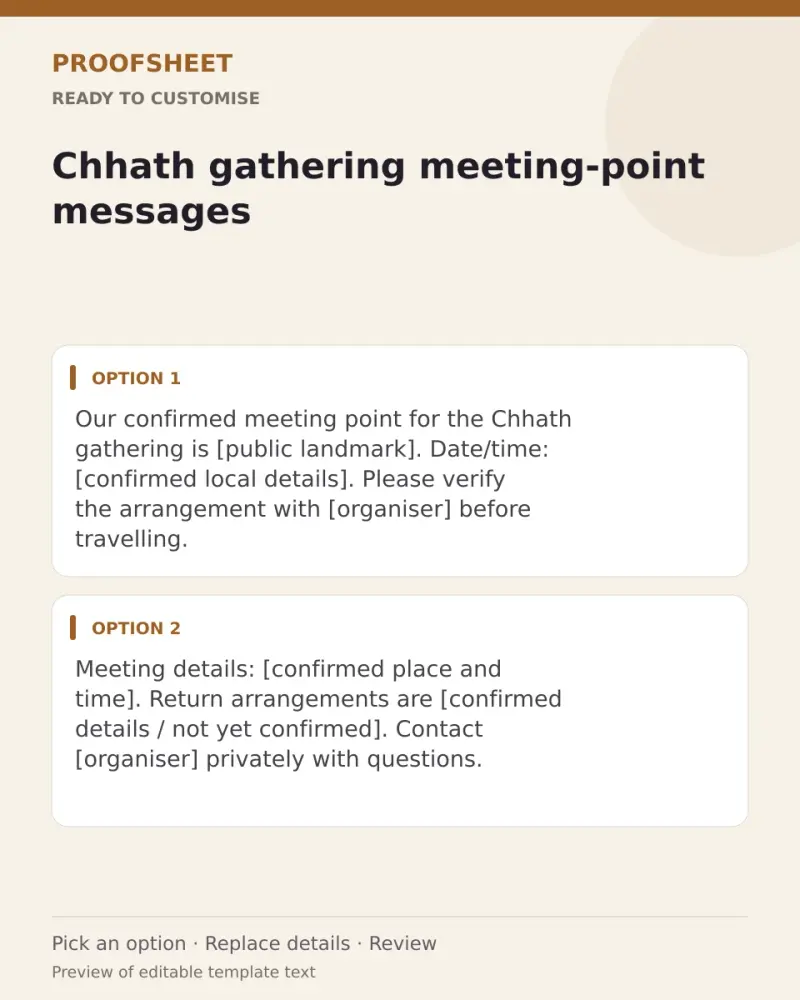
Our confirmed meeting point for the Chhath gathering is [public landmark]. Date/time: [confirmed local details]. Please verify the arrangement with [organiser] before travelling.
Top pick · 178 characters
Meeting details: [confirmed place and time]. Return arrangements are [confirmed details / not yet confirmed]. Contact [organiser] privately with questions.
155 characters
Prompt
Our confirmed meeting point for the Chhath gathering is [public landmark]. Date/time: [confirmed local details]. Please verify the arrangement with [organiser] before travelling.
How to use it
- Read the options and pick the one that sounds most like you.
- Tap Copy under it.
- Paste into the intended message, document or profile editor.
- Change any word that isn't true for you before saving.
How to use this prompt
- Read the ready options and choose the message that fits. Where you see [BRACKETS], fill in your own details.
- Press Copy, then paste the message into your own message or profile. A finished message does not need an AI tool.
- Before you send it, check the name, the relationship and the language.
Good to know
- Use a real, organiser-confirmed landmark and time. This is not a live navigation, road-condition or safety report.
- Read it once before posting and adjust the wording so it sounds like you.