Ask before sharing a Canadian Thanksgiving meal photo
2 ready wording options. Replace bracketed details with confirmed information before copying. Replace any bracketed details and review before using. No AI tool needed.
- Written for
- No AI needed
- Occasion
- Thanksgiving (Canada) · 12 Oct
- Status
- Ready-to-use template — no AI tool needed
2 ready optionsTap Copy, then paste
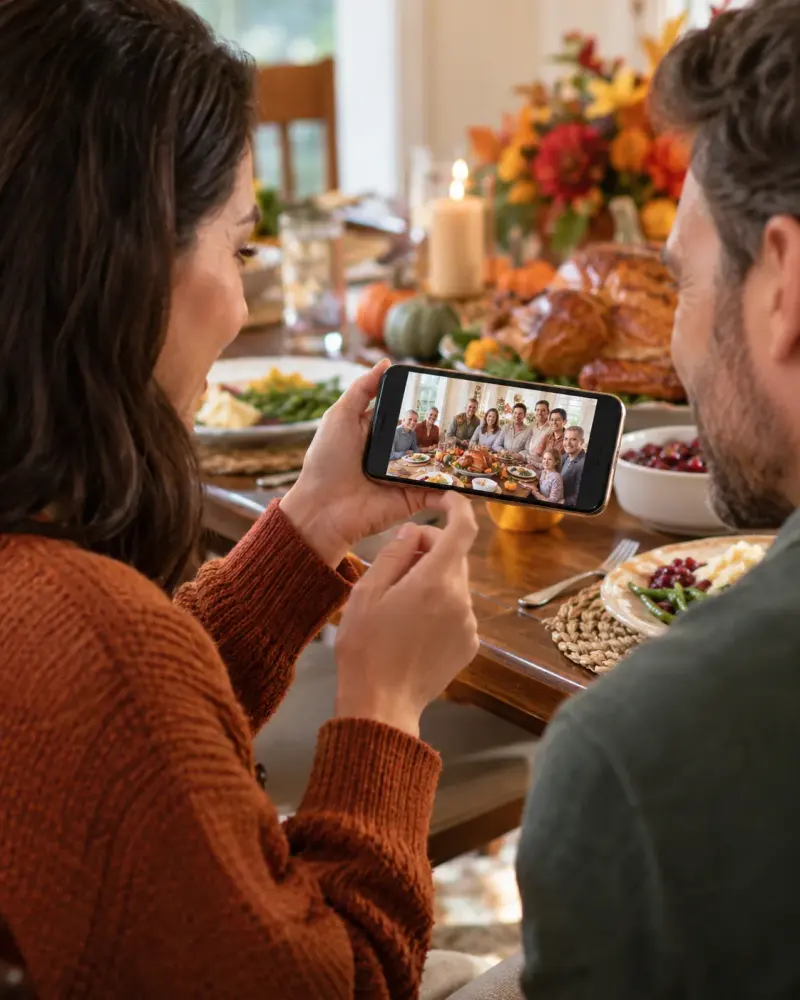
May I share [specific Thanksgiving photo] with [named group/channel]? Please let me know if you agree and whether you want anyone cropped out. I will wait for confirmation.
Top pick · 172 characters
I would like to include [specific photo] in our Canadian Thanksgiving album for [intended audience]. Is that okay with you and everyone shown? Please tell me any restrictions.
175 characters
Prompt
May I share [specific Thanksgiving photo] with [named group/channel]? Please let me know if you agree and whether you want anyone cropped out. I will wait for confirmation.
How to use it
- Read the options and pick the one that sounds most like you.
- Tap Copy under it.
- Paste into the intended message, document or profile editor.
- Change any word that isn't true for you before saving.
How to use this prompt
- Read the ready options and choose the message that fits. Where you see [BRACKETS], fill in your own details.
- Press Copy, then paste the message into your own message or profile. A finished message does not need an AI tool.
- Before you send it, check the name, the relationship and the language.
Good to know
- Ask the photo owner and people shown, including an appropriate guardian for children. Silence is not permission. Copying sends nothing.
- Read it once before posting and adjust the wording so it sounds like you.