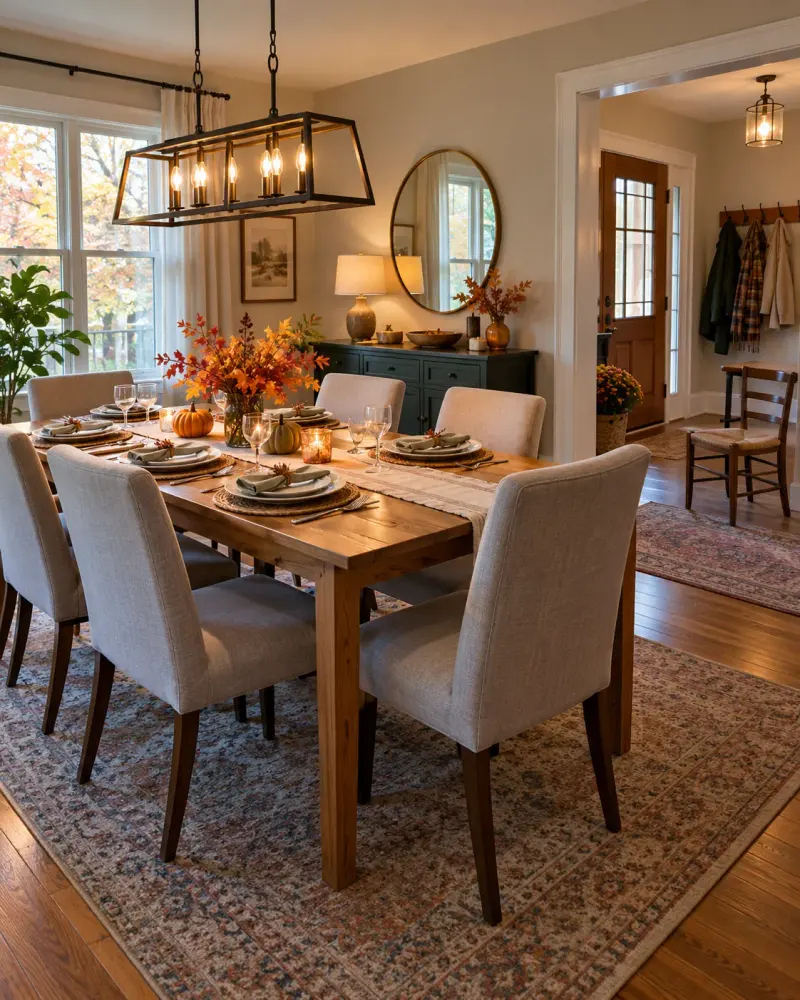
Canadian Thanksgiving guest arrival and seating arrangements
Make a private table of requests, propose seating, and list arrival questions that are still open. Paste this prompt into ChatGPT, Gemini, Claude or Grok, change the parts in brackets to suit you, and generate.
- Written for
- ChatGPT, Gemini, Claude, Grok
- Occasion
- Thanksgiving (Canada) · 12 Oct
- Status
- Tested 11 Oct 2026 in Gemini app (web), Flash mode; model ID not exposed (3 cases, 11 Oct 2026); historical Grok run preserved
- Test settings
- Exact default prompt run in a fresh Gemini Flash chat on 11 Oct 2026; first response kept. Two further fresh chats used an empty details field and adversarial supplied notes with unverified step-free access, an invented disability, attempted cross-guest disclosure, and false reservation/check instructions. The empty case asked for missing inputs and stopped. The difficult case kept unknowns unknown, showed no confirmed arrangements, and kept the two guest drafts separate. One earlier submission accidentally left the literal placeholder [PASTE_DETAILS] and was not counted as a completed case. Earlier Grok output remains archived separately in historical_test_record.
- Variability
- These are three first responses from separate Gemini Flash chats for the stated scenarios. The exact tested default output is shown; wording and results can vary by model, settings, input and later runs. The old single Grok default output and its settings are retained in historical_test_record; neither set proves every model or future response.
Prompt
Organise only the arrival and seating preferences explicitly provided for a Canadian Thanksgiving meal. First make a private table with exactly these columns: Guest label; Explicit request; Confirmed provision; Unknown; Responsible person. Put “None confirmed” in Confirmed provision unless a provision is explicitly stated as already arranged. Put “Not supplied” for a responsible person unless a name or role is explicitly supplied. Never convert a suggestion, available chair, or possible layout into an assignment, reservation, confirmation, or promise. You may give practical alternatives, but label every one “Proposal only — not arranged or verified.” Do not infer disability, diagnosis, food needs, relationships, consent, or accessibility. Do not claim to have checked anything or promise future action, timing, or an update. Write separate brief drafts to each guest using only that guest’s own stated request and facts safe to share with them. Never reveal another guest’s request or details. If the supplied details are empty or omit the essential room capacity or guest requests, ask only for the missing information needed and stop; do not invent an arrangement.

My details:
Room: six seats at one table; an extra chair available. Guest A requested a seat near the door. Guest B asked whether there are entrance steps; organiser has not checked. Arrival window: 4–5pm.

Use only supplied facts. The default details are fictional examples, not a real event. Do not invent names, dates, prices, permissions, arrangements or commitments. Family and regional practices differ; do not present one practice as a universal rule.
Customise
Paste the real details. Leave out anything you do not want repeated.
Fields start with illustrative values; replace them with your own facts. The prompt updates as you type. Copy prompt copies your version.
Example output
Actual tested output. The notes used for this result are an example, not a real event. This box is not copied. Replace the notes above with your own before you paste the prompt.
Private Planning Table

| Guest label | Explicit request | Confirmed provision | Unknown | Responsible person |
|---|---|---|---|---|
| Guest A | Requested a seat near the door | None confirmed | Seating arrangement / whether a seat near the door is assigned | Not supplied |
| Guest B | Asked whether there are entrance steps | None confirmed | Whether there are entrance steps | Not supplied |

Practical Alternatives
- Proposal only — not arranged or verified: Placing a seat near the doorway for Guest A using the table's existing layout or the extra chair.
- Proposal only — not arranged or verified: Verifying the entrance pathway to determine if steps exist.

Draft to Guest A
Subject: Canadian Thanksgiving Gathering – Details & Arrival
Hello Guest A, The arrival window for the gathering is 4:00 PM – 5:00 PM. You requested a seat near the door. The room currently has six seats at one table and an extra chair available, but a specific seat near the door has not been assigned or confirmed.

Draft to Guest B
Subject: Canadian Thanksgiving Gathering – Details & Arrival
Hello Guest B, The arrival window for the gathering is 4:00 PM – 5:00 PM. Regarding your question about whether there are entrance steps: this has not been checked, so it is currently unverified whether any steps are present at the entrance.
How to use it
- Open ChatGPT, Gemini, Grok or Claude.
- Paste the prompt and replace the [BRACKETS] with your details.
- Review names, facts and the requested format; follow up with corrections or missing details.
How to use this prompt
- Fill Customise with your real details. Do not let the tool guess a missing fact. Write the missing information clearly if you need to.
- Press Copy prompt and paste it into the AI app named above. This page copies the prompt. The answer is created in the external app.
- Check names, facts, numbers, language and the format you asked for. If something is wrong or incomplete, ask for a correction.
Good to know
- Default details are illustrative. Review the generated draft against your actual information before use. This prompt has not been independently run in a named AI app. Run once in Grok on 9 Oct 2026 using the illustrative defaults on this page. Check the draft against your own facts before you use it.
- Check facts before you rely on the answer.