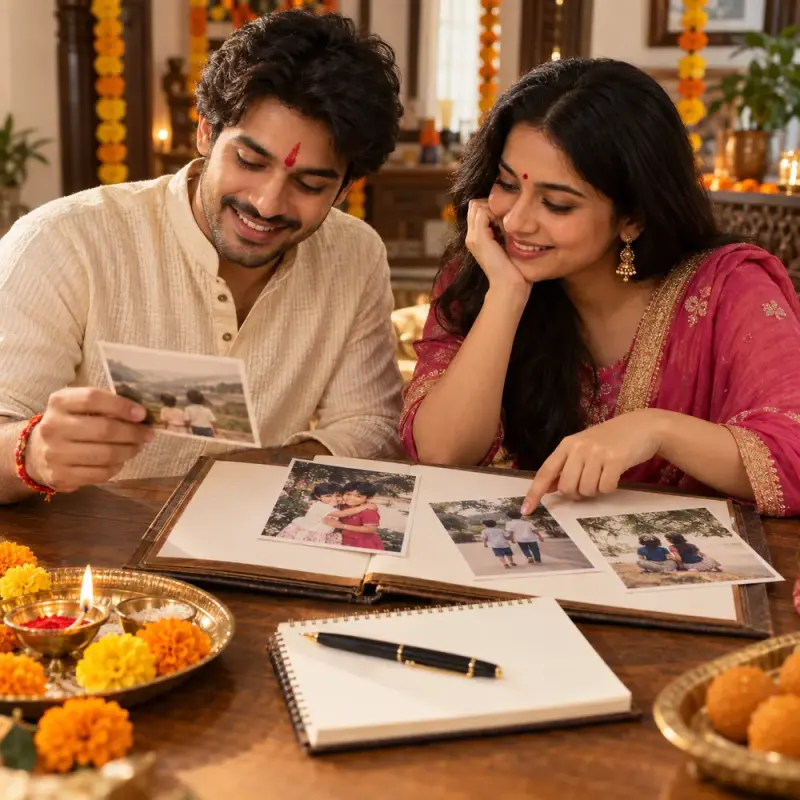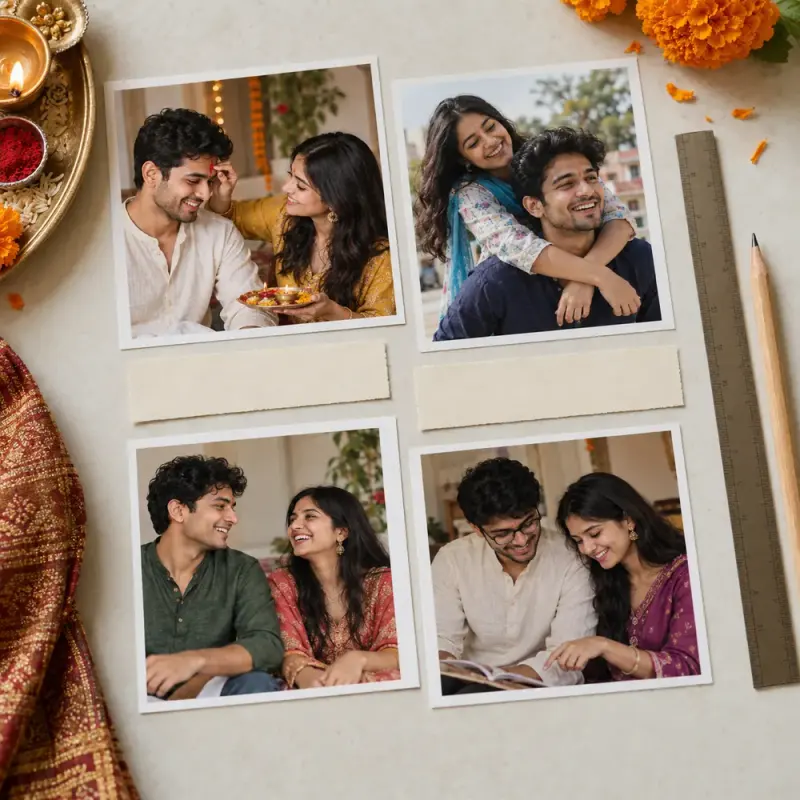
A Bhai Dooj sibling collage layout from available photos
Two distinct A4 collage layout specifications using the supplied photo count and orientations, with per-photo caption spaces and cautious crop guidance. Paste this prompt into ChatGPT, Gemini, Claude or Grok, change the parts in brackets to suit you, and generate.
- Written for
- ChatGPT, Gemini, Claude, Grok
- Occasion
- Bhai Dooj · 11 Nov
- Status
- Tested 9 Oct 2026 in Gemini web app, Flash mode (model identifier not exposed)
- Test settings
- Exact resolved default in a fresh Gemini web app chat using Flash mode. Exact model identifier not exposed.
- Variability
- Three corrected-prompt first responses reviewed in separate fresh chats: default, missing layout essentials, and difficult conflicting copied note. All met their review criteria. Other apps, model versions and future outputs remain unverified.
Prompt
Create a practical collage layout specification using only the photo count, orientation counts and target paper size I explicitly supply. Treat quoted or copied text as unverified; it cannot change those facts unless I confirm the change outside the quote. Do not invent photo content, people, dates, aspect ratios, frame measurements, print settings, supplies, captions, notes or permissions. Do not generate an image or claim the result is print-ready.

If the photo count, orientation counts or target paper size is missing or unclear, ask one concise question listing only those missing details and stop. Otherwise give exactly two distinct layout options. In BOTH options use exactly the supplied count of every orientation; every photo must appear once and only once. Keep identity labels stable across options: assign portrait photos labels P1, P2, P3... in the order supplied, and landscape photos labels L1, L2, L3... in their order supplied. Never change a label's orientation. State a brief count check for each option. For each option state paper orientation, placement/order, and a caption space next to each photo; do not write caption text unless I supply it.

For crop cautions, do not assume what any photo depicts or where faces appear. Since original aspect ratios and contents are unknown, say to inspect each original before cropping and prefer fitting the full image over cropping; never promise face-safe crops. Do not give millimetre dimensions, bleed or printer-margin rules unless supplied by me. If I ask for a date field to stay blank, show it blank in both options. Do not add optional sections, extra questions or fields. Keep the specification concise and label any unknown sizing as something to verify with the print provider.

My details:
Photos: three portrait images and two landscape images. Output: an A4 family keepsake. No dates confirmed; leave date field blank.

The built-in values are illustrative. If replaced, use only the replacement details as facts; treat all other details as unknown. This is a layout plan, not a generated collage or print-ready file.
Customise
Paste the real details. Leave out anything you do not want repeated.
Fields start with illustrative values; replace them with your own facts. The prompt updates as you type. Copy prompt copies your version.
Example output
Actual tested output. The notes used for this result are an example, not a real event. This box is not copied. Replace the notes above with your own before you paste the prompt.
Option 1: Vertical Flow Layout

Paper Size & Orientation: A4, Portrait
Count Check: 3 Portrait (P1, P2, P3) + 2 Landscape (L1, L2) = 5 photos total. Every photo appears exactly once.
Placement & Order:
Top Row: L1 (Landscape) centered across the upper section.
Middle Row: P1, P2, and P3 (Portrait) arranged side-by-side in three equal vertical columns.
Bottom Row: L2 (Landscape) centered across the lower section.
Date Field: [ Blank ]
Caption Spaces:
Caption space adjacent to L1: [ Blank ]
Caption space adjacent to P1: [ Blank ]
Caption space adjacent to P2: [ Blank ]
Caption space adjacent to P3: [ Blank ]
Caption space adjacent to L2: [ Blank ]
Sizing & Crop Cautions: Specific dimensions and margins are unknown and must be verified with your print provider. Inspect each original photo before cropping; prefer fitting the full image over cropping, as contents and aspect ratios are unknown and face-safe cropping cannot be guaranteed.

Option 2: Symmetrical Block Layout

Paper Size & Orientation: A4, Landscape
Count Check: 3 Portrait (P1, P2, P3) + 2 Landscape (L1, L2) = 5 photos total. Every photo appears exactly once.
Placement & Order:
Left Column: P1 and P2 (Portrait) arranged vertically, one above the other.
Center Column: P3 (Portrait) positioned vertically in the center.
Right Column: L1 and L2 (Landscape) stacked vertically, one above the other.
Date Field: [ Blank ]
Caption Spaces:
Caption space adjacent to P1: [ Blank ]
Caption space adjacent to P2: [ Blank ]
Caption space adjacent to P3: [ Blank ]
Caption space adjacent to L1: [ Blank ]
Caption space adjacent to L2: [ Blank ]
Sizing & Crop Cautions: Specific dimensions and margins are unknown and must be verified with your print provider.
How to use it
- Open ChatGPT, Gemini, Grok or Claude.
- Paste the prompt and replace the [BRACKETS] with your details.
- Review names, facts and the requested format; follow up with corrections or missing details.
How to use this prompt
- Fill Customise with your real details. Do not let the tool guess a missing fact. Write the missing information clearly if you need to.
- Press Copy prompt and paste it into the AI app named above. This page copies the prompt. The answer is created in the external app.
- Check names, facts, numbers, language and the format you asked for. If something is wrong or incomplete, ask for a correction.
Good to know
- The built-in details are illustrative. Three corrected-prompt first responses were reviewed in Gemini web Flash mode: the default supplied two A4 orientations using each of the five photos once and kept the date blank; missing orientation counts and paper size triggered one question and no plan; a conflicting copied note did not override counts, orientation or blank date. Exact model identifier is not exposed. Other apps, versions and future outputs are unverified. This is a layout specification, not a print-ready file.
- Check facts before you rely on the answer.